
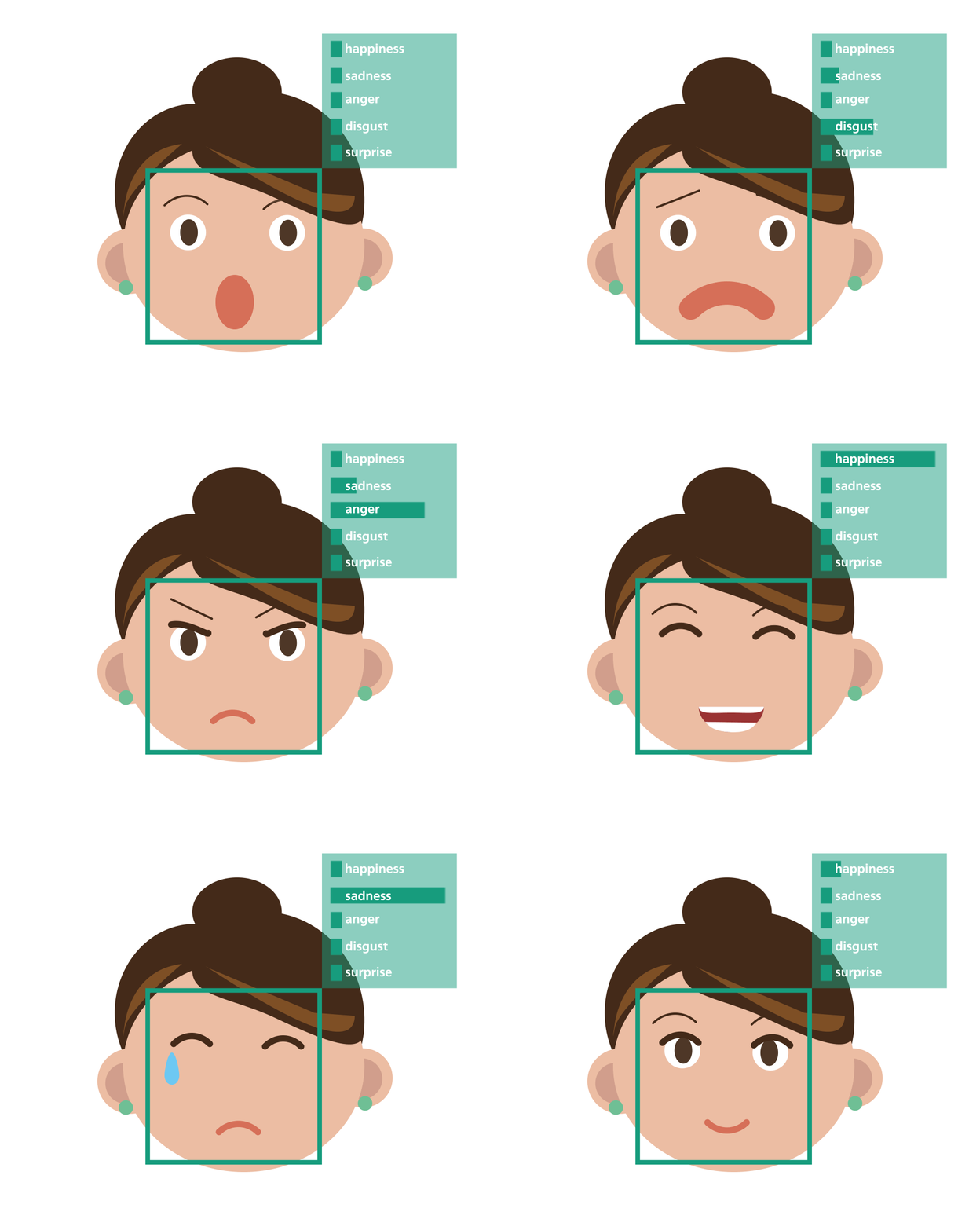
A Respository created for emotion recognition and play music based on emotion recognized.
- Emotion Recognition
- Music Player
- Opening the camera.
- Choosing the image
- Creating Playlist
- View the playlist
- Login Provision
- Forgot Password Provision
EMOTION RECOGNITION JUKE BOX uses a number of languages and plugins to work properly:
- Django
- Material Design Bootstrap
- Javascript Face API
- Tensorflow
- Opencv
- sqlite3
Clone the repository Install the required dependencies start the server. specify the local path for static assets like songs and images as per your need and based on operating system wheverer required.
Create a Superuser
$python manage.py createsuperuserthis will ask you few details fill those and create a super user.
Migrate the tables so as to create a sqlite database
$python manage.py makemigrations$python manage.py migrateStart the django server by executing below command.
$python manage.py runserver or $ python3 manage.py runserverNavigate to
127.0.0.1:8000/adminand create a user account so as to login to the project.
Verify the deployment by navigating to your server address in your preferred browser.
127.0.0.1:8000For detecting emotion continuously and live replace the below piece of code in scripts.js inside static/js folder.
setTimeout(async () => {
    const detections = await faceapi.detectAllFaces(video, new faceapi.TinyFaceDetectorOptions()).withFaceLandmarks().withFaceExpressions().withAgeAndGender()
    const resizedDetections = await faceapi.resizeResults(detections, displaySize)
    let detectedResult = detections[0].expressions
    console.log(detectedResult)
    maximunProb = Object.keys(detectedResult).reduce((a, b) => detectedResult[a] > detectedResult[b] ? a : b);
    $('.capturing__image_block').hide()
    const audio = new Audio('/media/alone/Seagate Backup Plus Drive/Aishwarya/static/assets/js/songs/' + maximunProb + '/' + maximunProb + '.mp3')
    audio.play()
    canvas.getContext('2d').clearRect(0, 0, canvas.width, canvas.height)
    faceapi.draw.drawDetections(canvas, resizedDetections)
    faceapi.draw.drawFaceExpressions(canvas, resizedDetections)
}, 5000)
By
setInterval(async () => {
    const detections = await faceapi.detectAllFaces(video, new faceapi.TinyFaceDetectorOptions()).withFaceLandmarks().withFaceExpressions()
    const resizedDetections = await faceapi.resizeResults(detections, displaySize)
    let detectedResult = detections[0].expressions
    canvas.getContext('2d').clearRect(0, 0, canvas.width, canvas.height)
    faceapi.draw.drawDetections(canvas, resizedDetections)
    faceapi.draw.drawFaceExpressions(canvas, resizedDetections)
    }, 100)


