



Cross-Platform C# 2D game engine build ontop of MonoGame.
The easiest and recomended way of using this game engine is to install the templates for Visual Studio:
dotnet new install MonoGo.Templates
dotnet add package MonoGo.Enginedotnet add package MonoGo.Engine.DesktopGLordotnet add package MonoGo.Engine.WindowsDX
Install optional modules.



- Graphics Pipeline and Automated Batch\Vertex Buffer Management.
- Easy SpriteSheet-Animations.
- Texture Packing.
- Sprite Groups and Dynamic Graphics Loading.
- Input Management with GamePad support.
- Timers, Alarms, Cameras, State Machines.
- Coroutines.
- Hybrid EC.
- Scene System with Layers.
- GameDev related Math lib.
- Lightweight Collision Detection.
- Integrated Post-Processing Management (Includes Bloom & ColorGrading Effects).
- Powerful Particle-Effect-System.
- Extensive GUI-System.
- Enhanced Content Management.
- FMOD Audio Support (As a standalone Library).
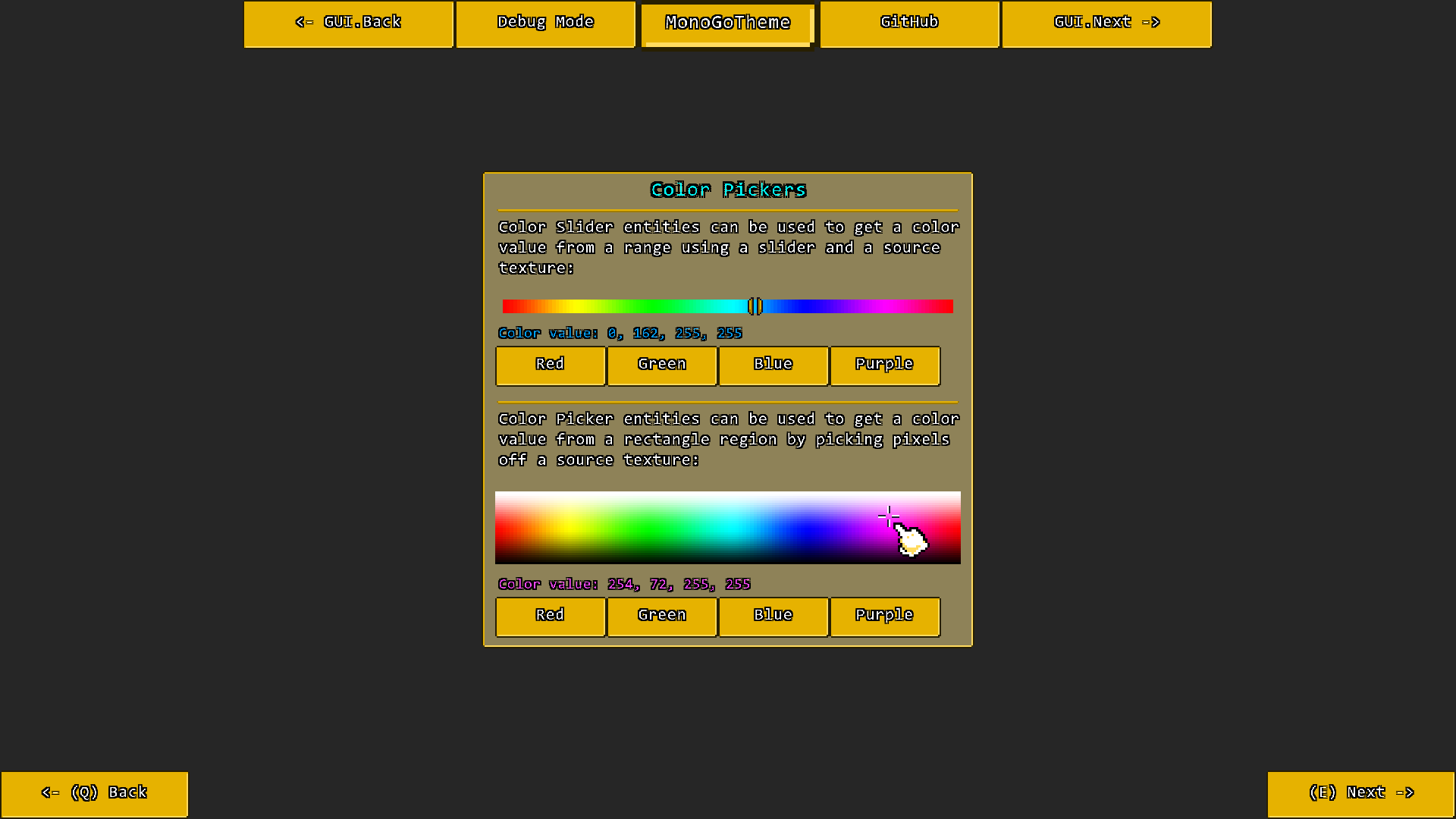
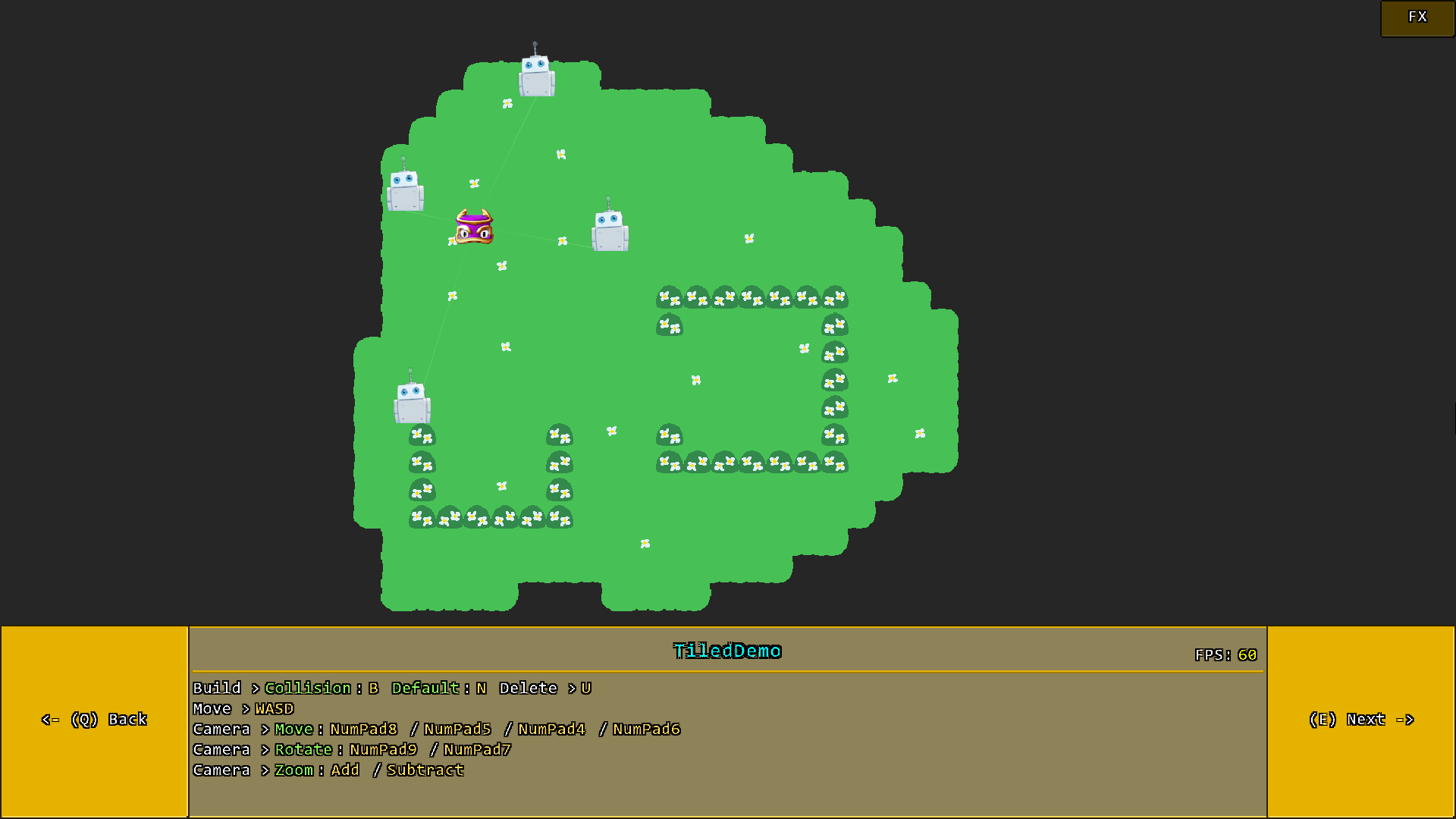
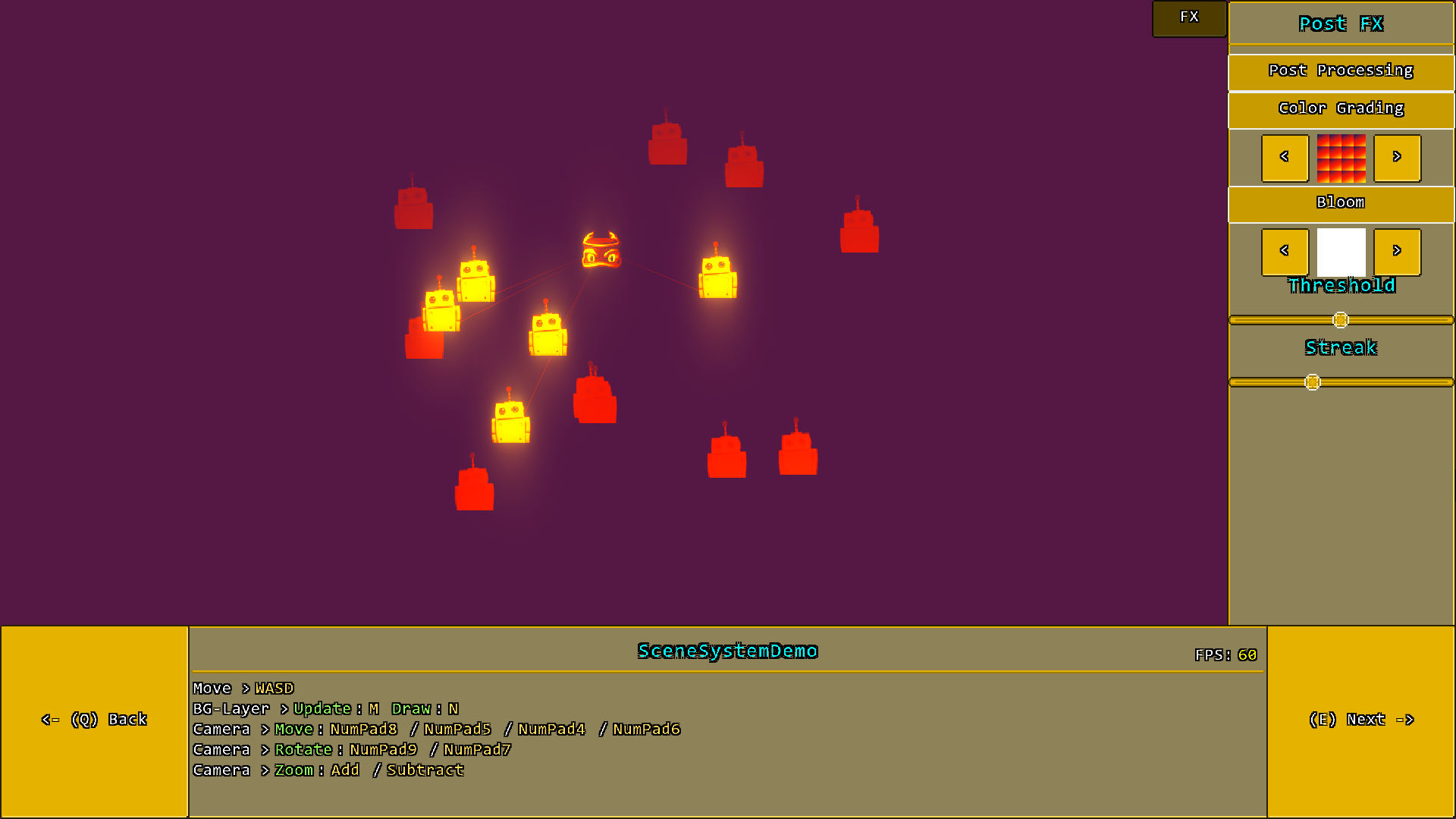
The included sample project itself contains alot more demos, but here are some impressions at least:
- MonoGame created by MonoGame Foundation, Inc
- Monofoxe created by Chai Foxes (Martenfur)
- StbImageSharp created by Roman Shapiro (rds1983)
- Iguina created by Ronen Ness
- Mercury Particle Engine created by Matthew Davey (Matt Davey)
- ColorGrading & Bloom Filter created by Thomas Lüttich (Kosmonaut3d)
For license information please take a look at the License.txt file.