https://expo.dev/@samz9n/OnlineChessFront?serviceType=classic&distribution=expo-go (This only works for android with Expo Go app!) Install Expo Go app on Google Play store to get started! Then scan the QR-code from our published link, or follow the provided link to open our application.
This is a schoolproject made by five students. The application is built with React Native, using TypeScript. As a "backend" we used socket.io and node (express), to get realtime game and chat updates. The goal was to create a multiplayer online chess game, where players can play against friends and random opponents. We also wanted to include a chat for an enchanced player experience.
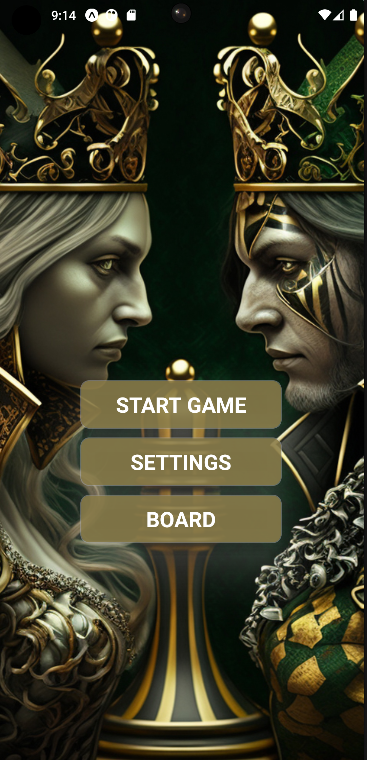
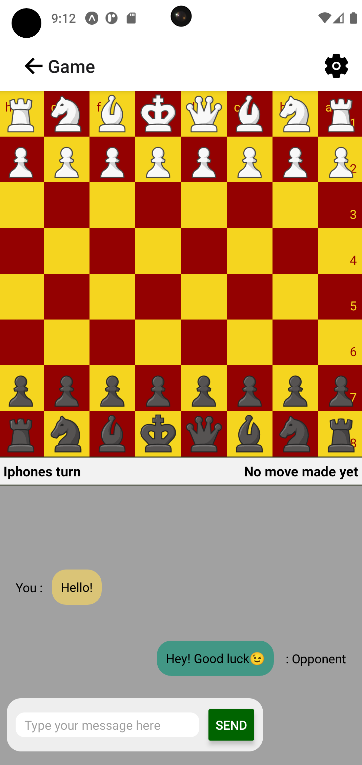
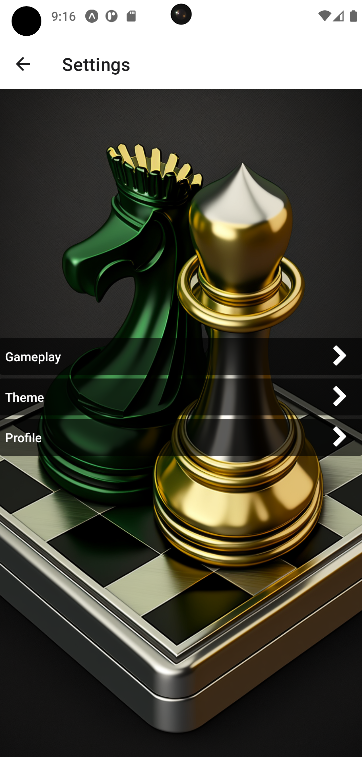
First page in the app. The player can choose to start a new game, go to settings or go to the board.
The navigation will work with stack-navigation.
In the settings screen, the player can edit:
1. Gameplay options (show possible moves toggle),
2. Theme options for the board
3. Profile settings (changing and setting name)
Player can either create a new lobby, join an existing lobby with the lobby code or find game against opponents that are ready to play.
When creating a new lobby player will be redirected
to a screen with lobby code visible so they can share it with the opponent
Component for the UI of the board
Game logic using Chess.js third party library.
Also, chess pieces are defined in this component,
and the movement of them are done with different animation logic.
Third party library (https://github.com/jhlywa/chess.js/blob/master/README.md)
- Validation of moves in frontend
- Only validated moves can be sent to backend
- Chess piece logic and other gameplay logic (e.g. winner, check and checkmate)
npm install chess.js
import { Chess } from 'chess.js'
const chess = new Chess() //starts new game
console.log(chess.ascii()) //shows all piece placements
chess.move({from:'a2', to:'a4'}) //Move PAWN
console.log(chess.ascii())
To play the game you also need the backend running locally!
Get it here -> OnlineChessBack
git clone https://github.com/OP2-CheckMate/OnlineChessFront.gitnpm installCreate env file:
touch .env
Inside .env add HOST_NAME=http://<your_ip_adddress>:8080npm startctrl + c- https://www.github.com/Lauri-Iivarinen
- https://www.github.com/Samz9n
- https://www.github.com/AaltonenSan
- https://www.github.com/jounijoh
- https://www.github.com/Juho9
- William Candilon Chess - “Can it be done in React Native?”
- Chess.js library (https://github.com/jhlywa/chess.js/blob/master/README.md)
- We would also like to thank our fellow students in team Rojektipäälliköt for reaviewing and testing our code and giving us valuable ideas for further developement!