Flutter Tweet UI - Flutter package that is inspired by twitter-kit-android. Works on iOS and Android.
To use this package add it to the pubspec.yaml file:
tweet_ui: <latest_version>
import it:
import 'package:tweet_ui/tweet_ui.dart';
If you want to show tweets with videos: check the video_player installation site.
finally, create a TweetView from a JSON:
TweetView.fromTweet(
    Tweet.fromRawJson(
        jsonFromTwitterAPI
        // {"created_at": "Mon Nov 12 13:00:38 +0000 2018", "id": 1061967001177018368, ...
    )
);
or a CompactTweetView,
CompactTweetView.fromTweet(
    Tweet.fromRawJson(
        jsonFromTwitterAPI
        // {"created_at": "Mon Nov 12 13:00:38 +0000 2018", "id": 1061967001177018368, ...
    )
);
or a EmbeddedTweetView.
EmbeddedTweetView.fromTweet(
    Tweet.fromRawJson(
        jsonFromTwitterAPI
        // {"created_at": "Mon Nov 12 13:00:38 +0000 2018", "id": 1061967001177018368, ...
    )
  darkMode: true,
)
There is also a special QuoteTweetView that is embedded in a TweetView or a CompactTweetView or a
EmbeddedTweetView. This depends if a Tweet has a quoted_status value in the JSON.
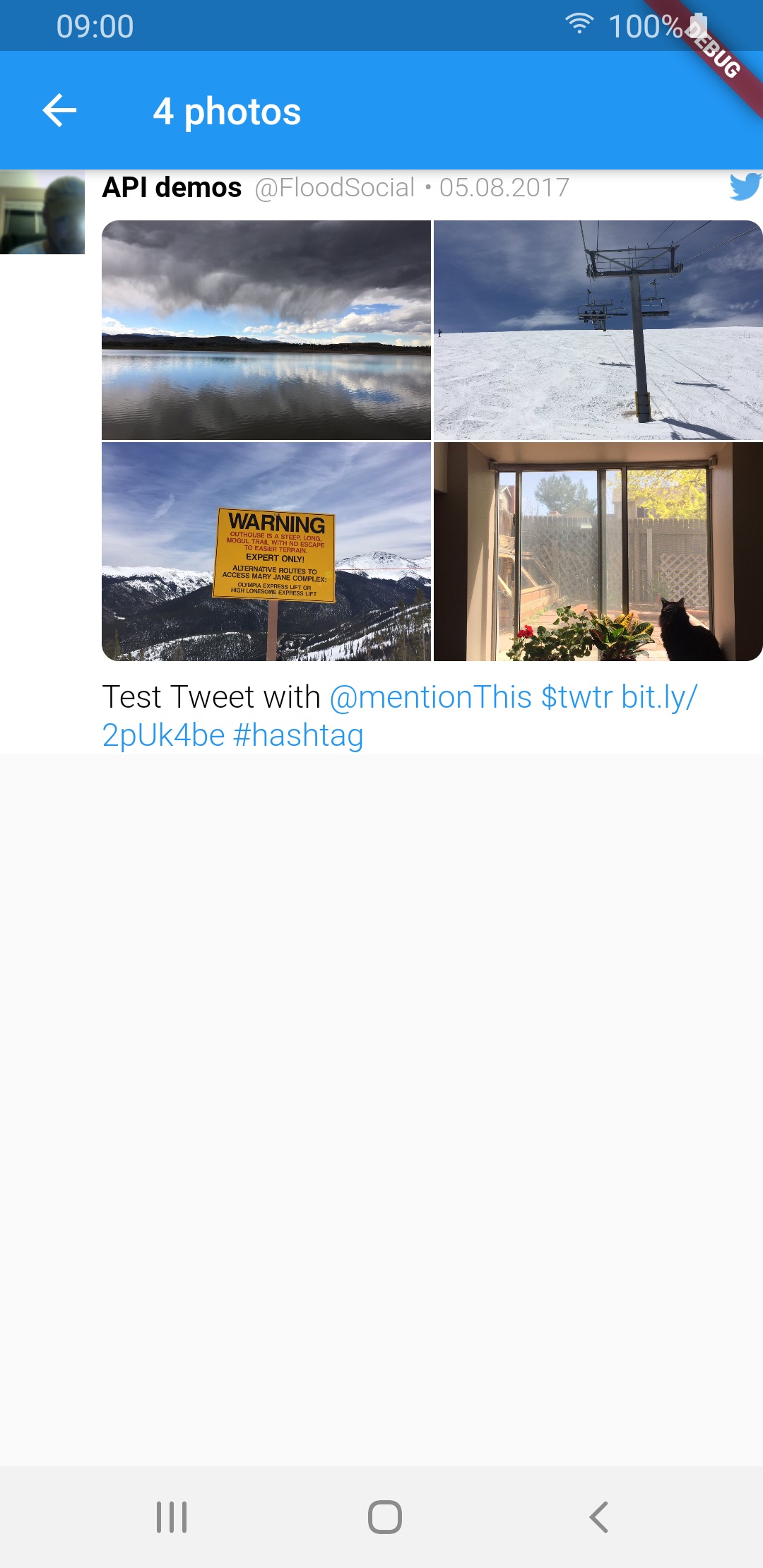
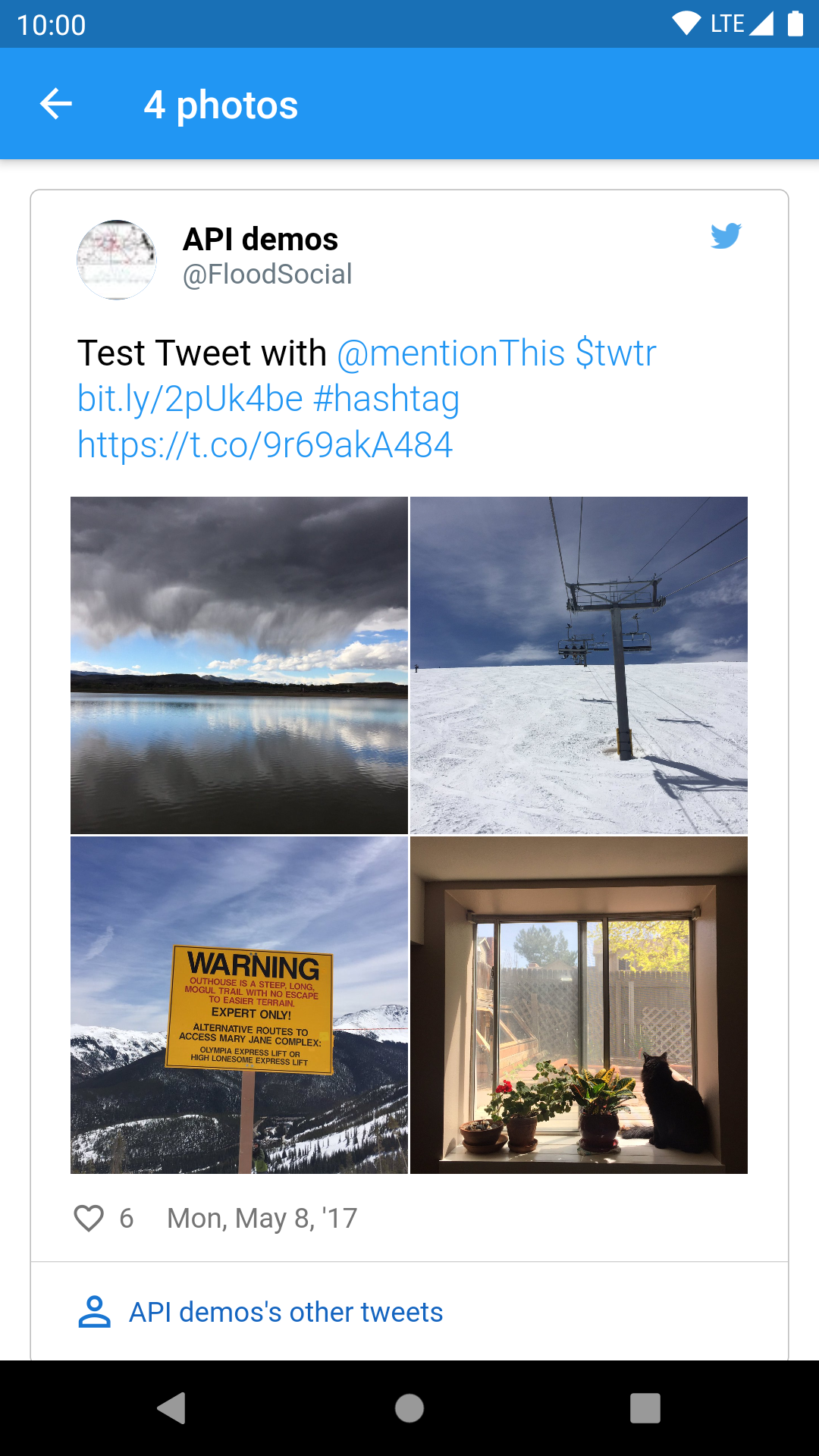
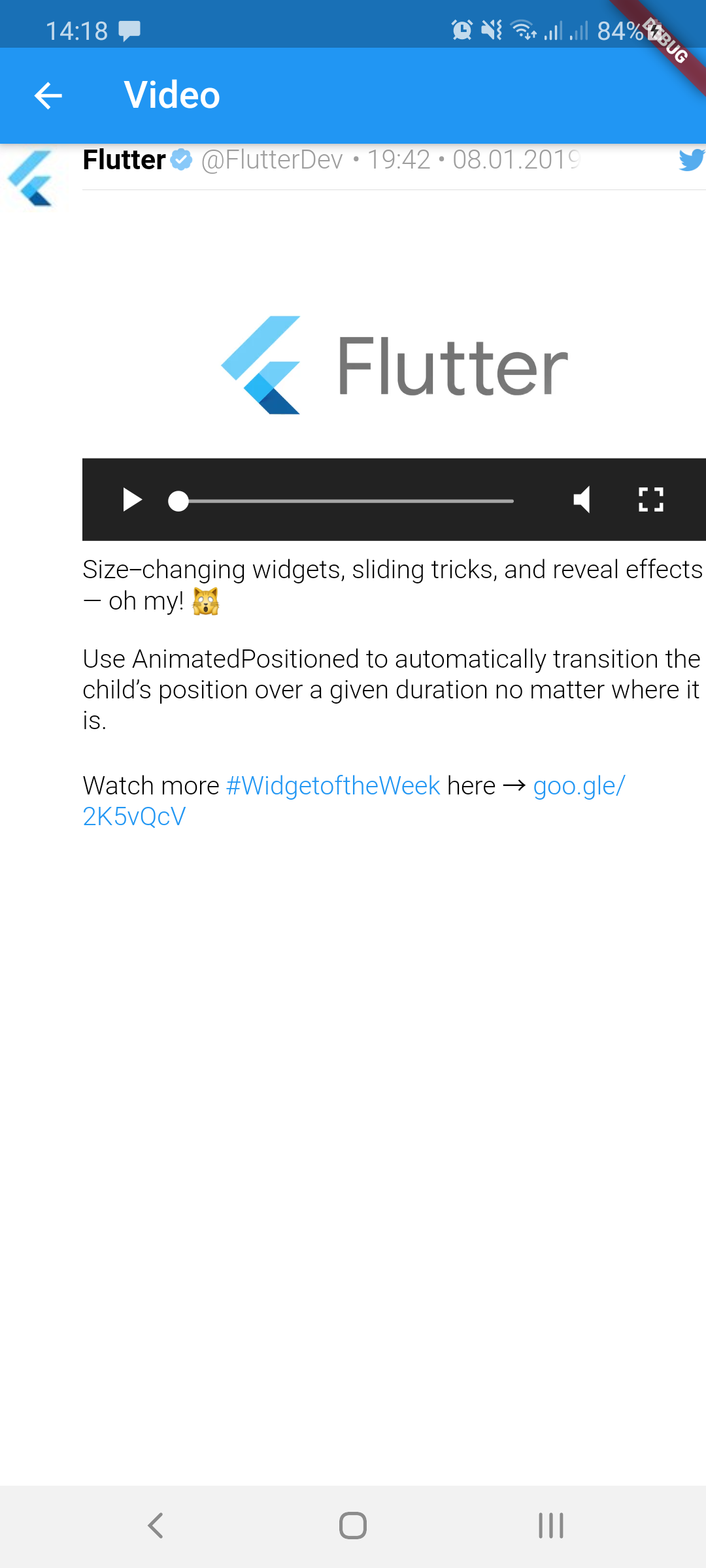
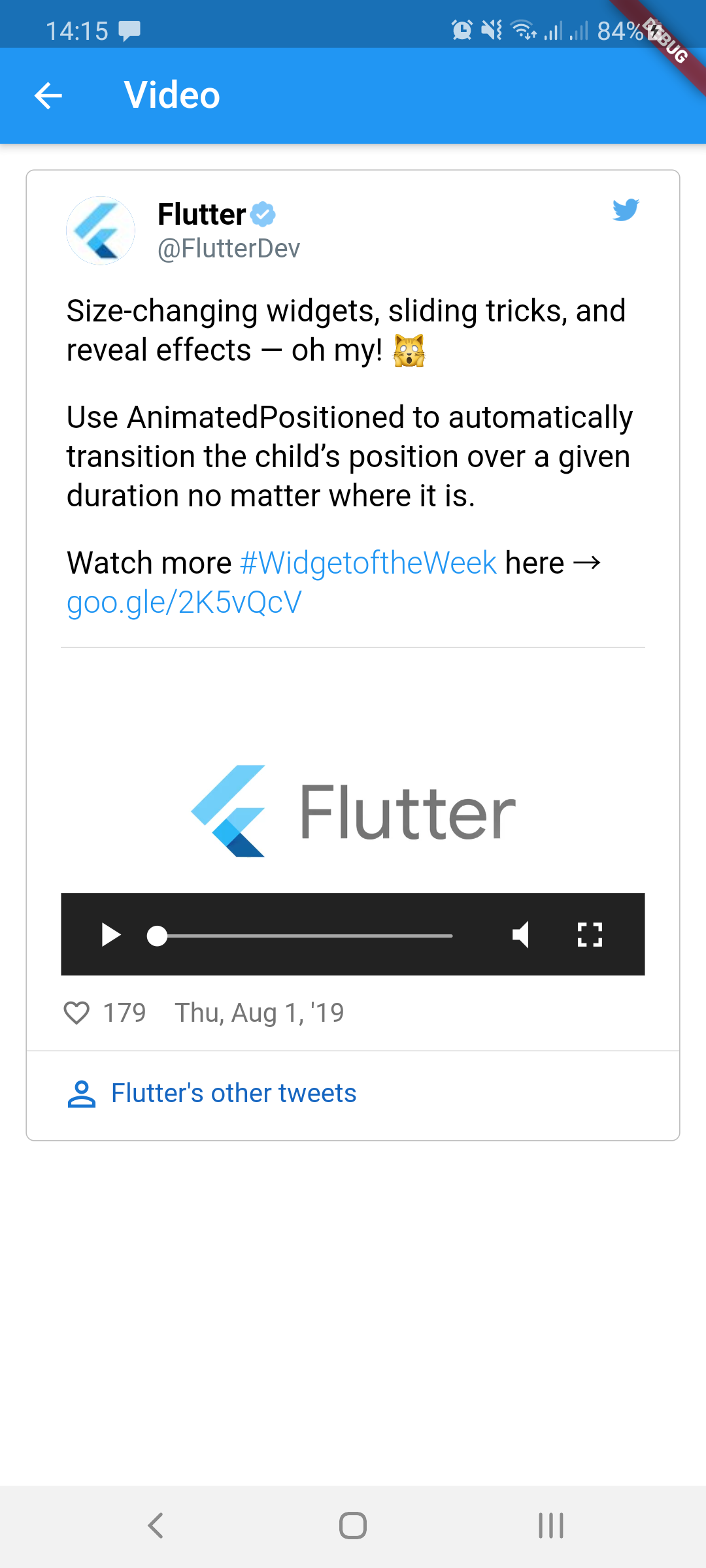
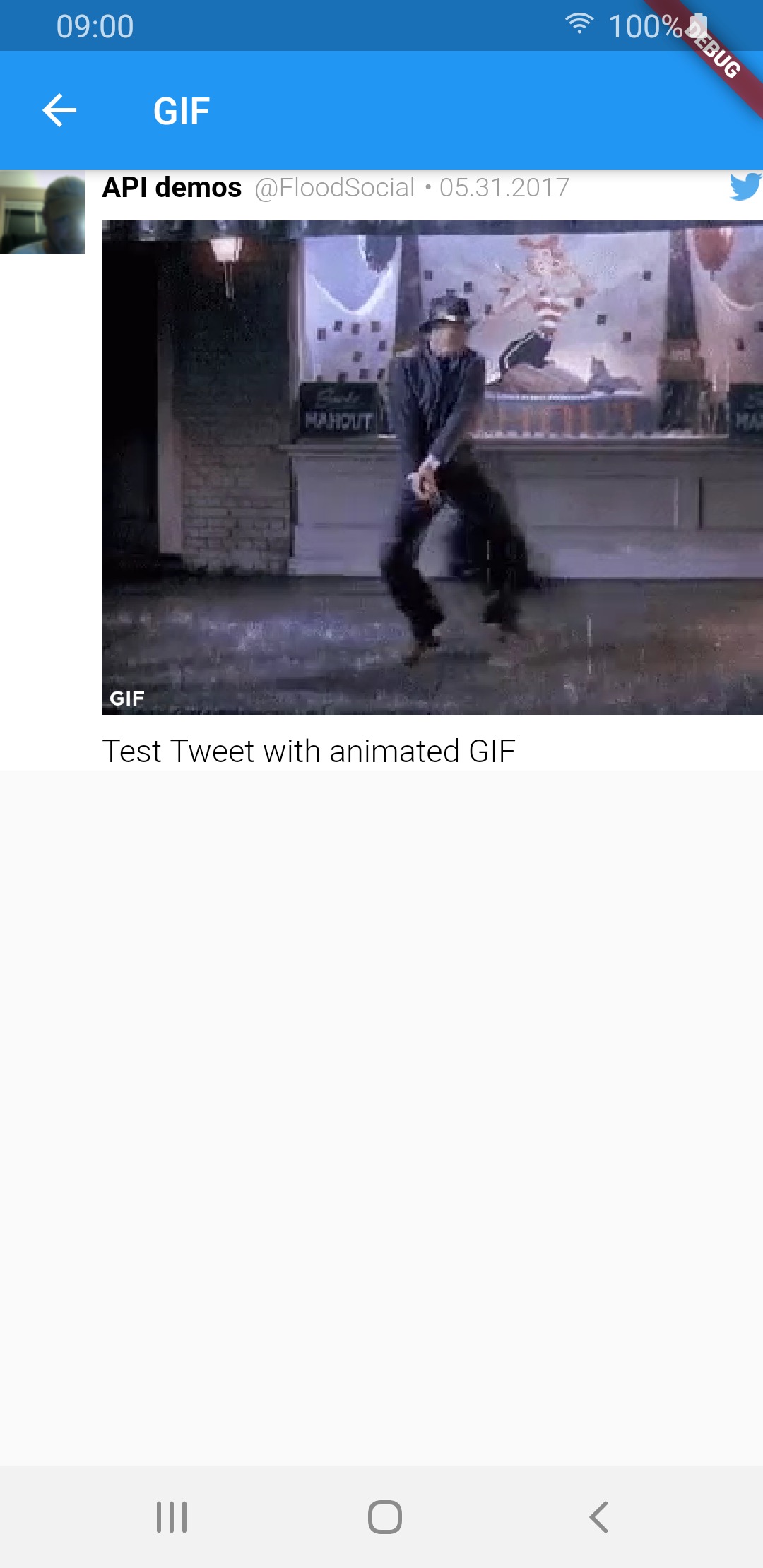
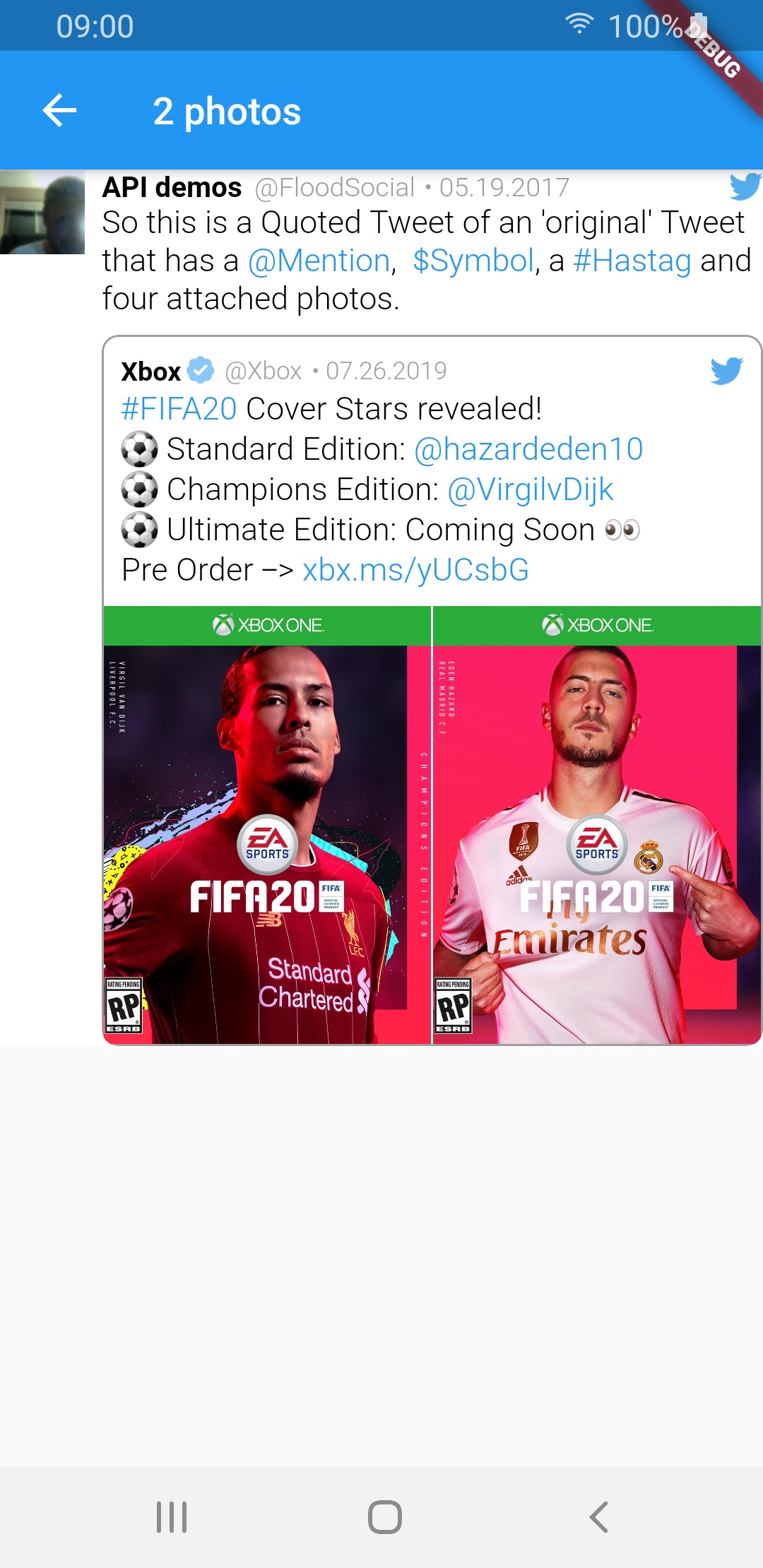
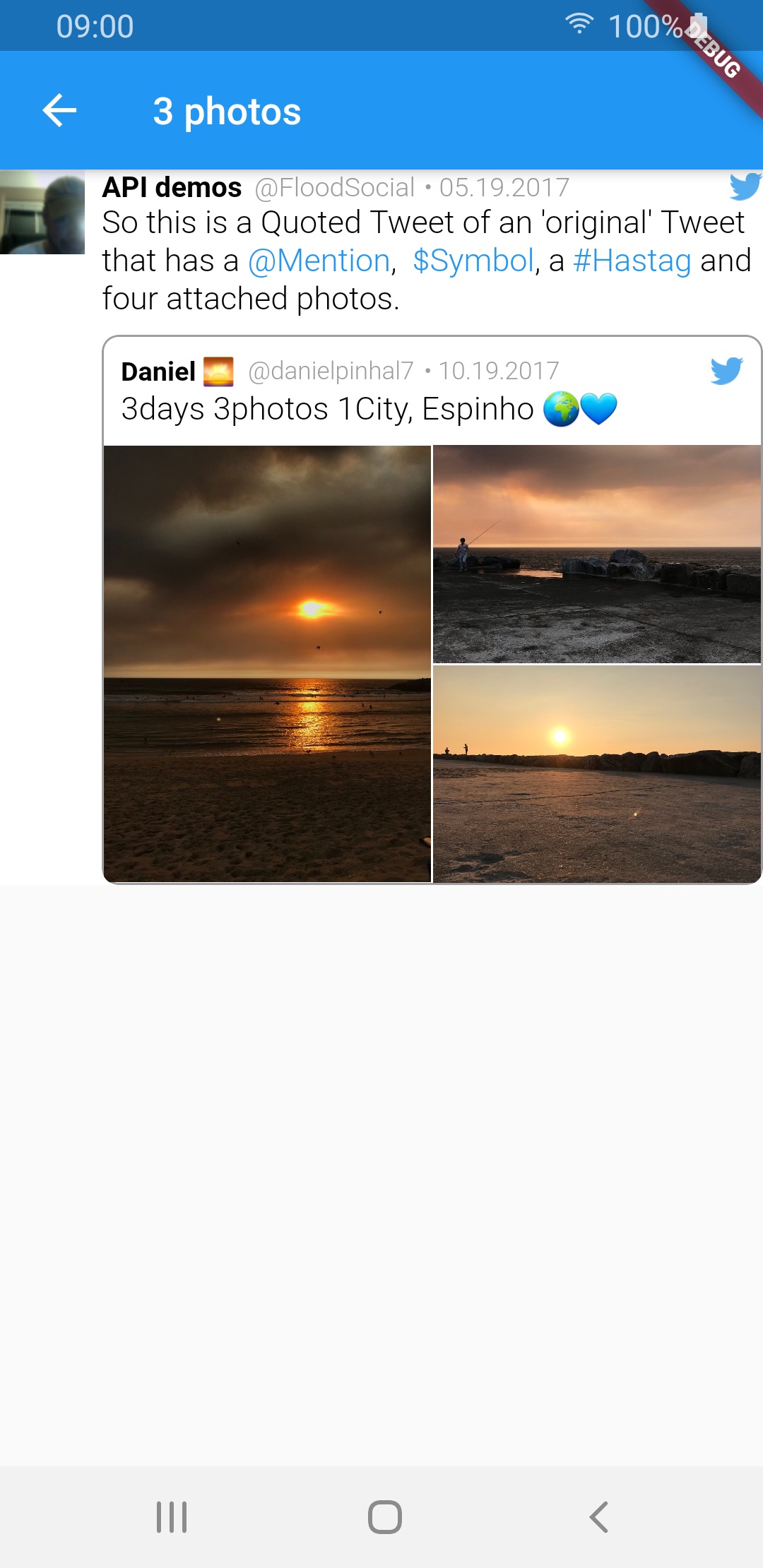
TweetView and CompactTweetView are more customisable, but EmbeddedTweetView looks more modern. Check the screenshots below.
| Media type | TweetView | CompactTweetView | EmbeddedTweetView |
|---|---|---|---|
| 1 photo | 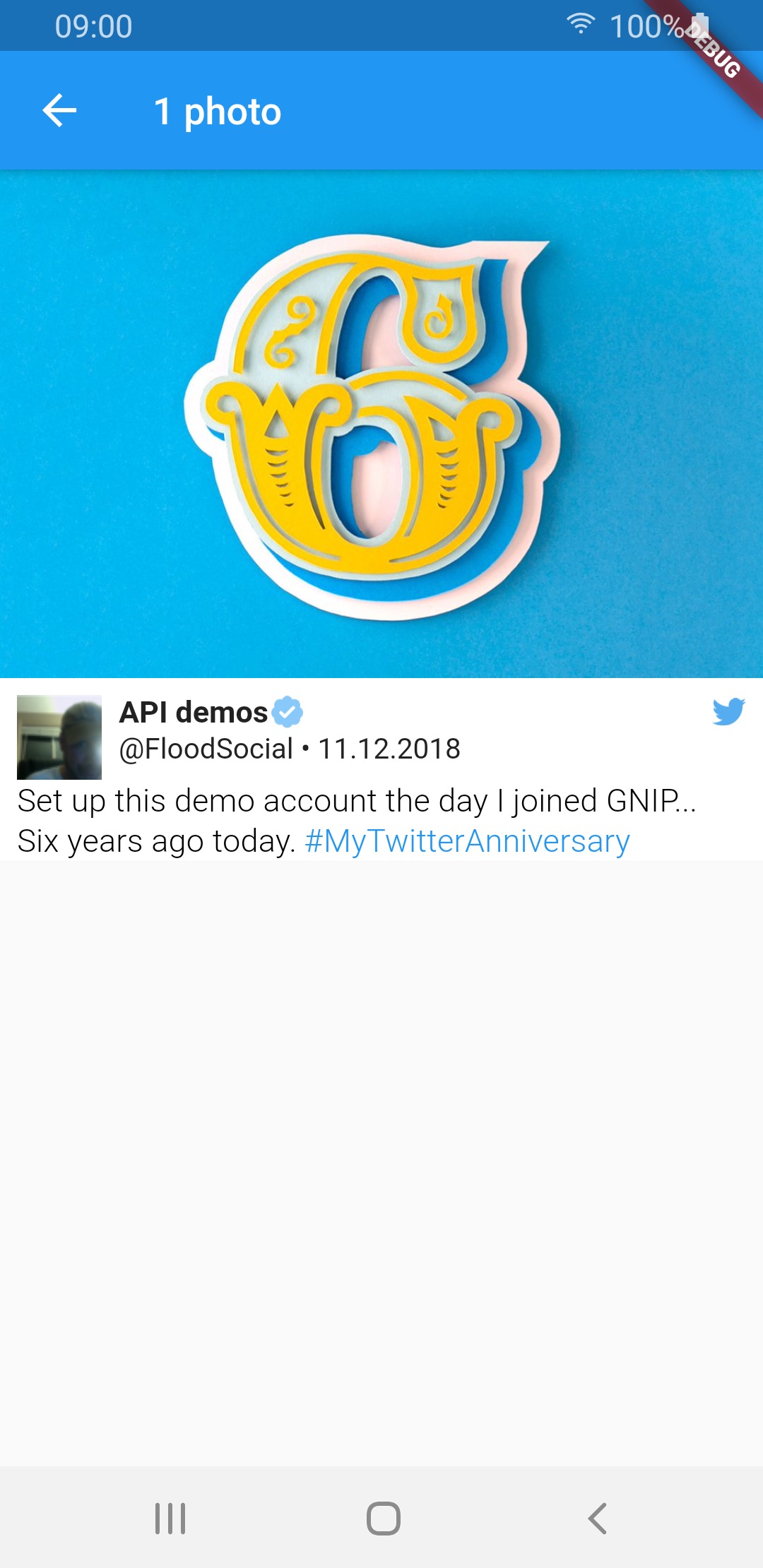 |
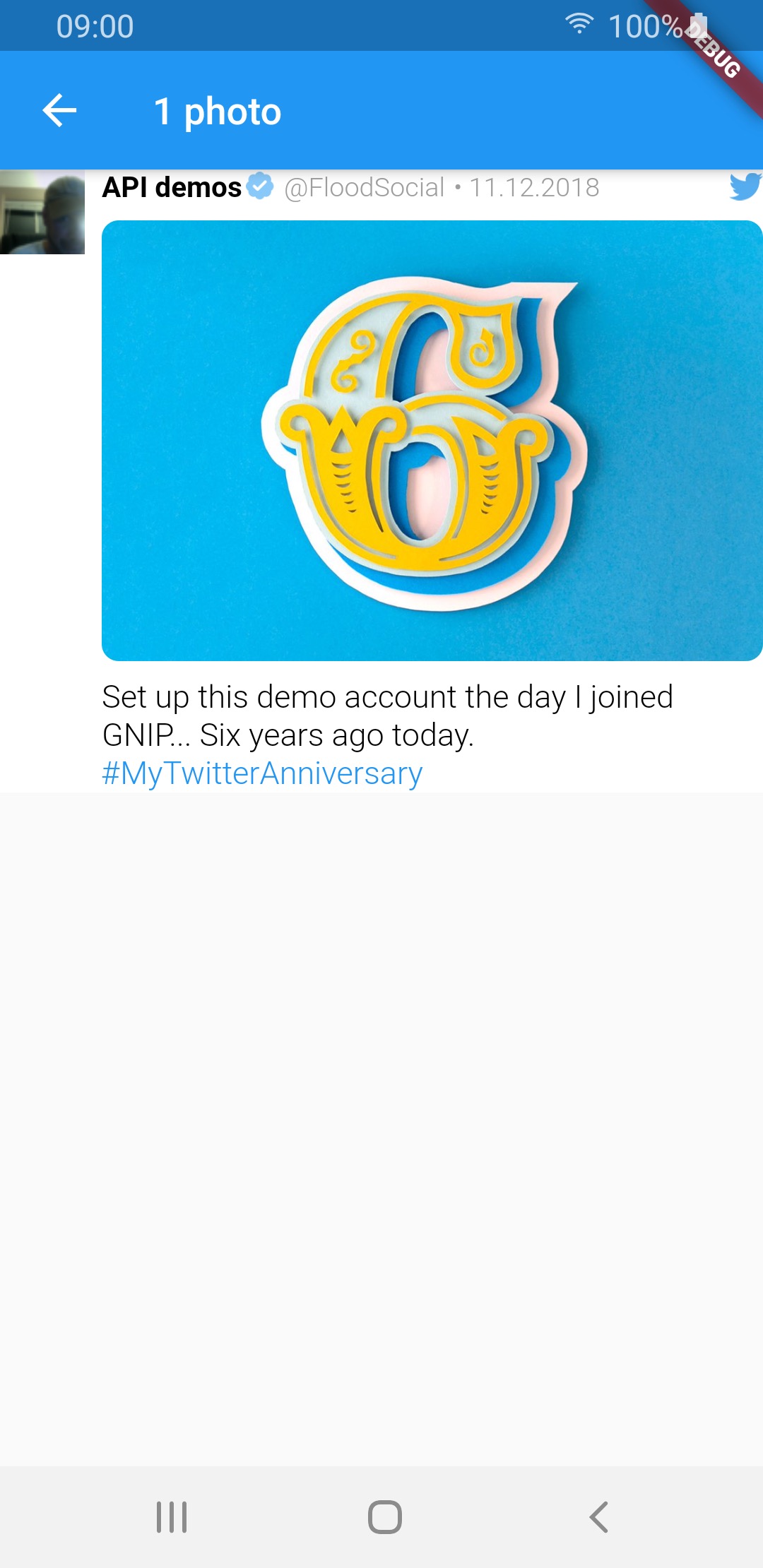 |
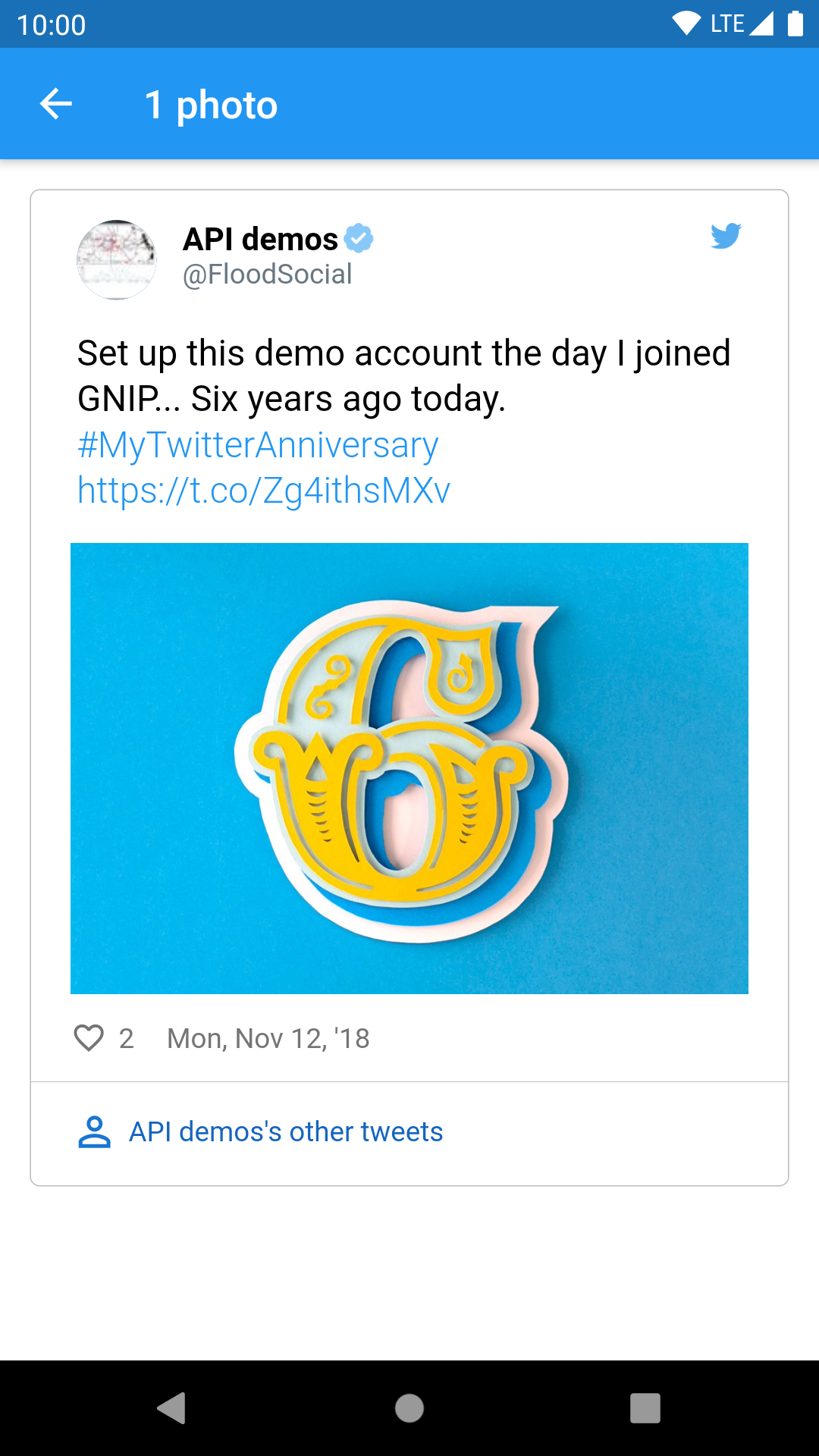 |
| 2 photos | 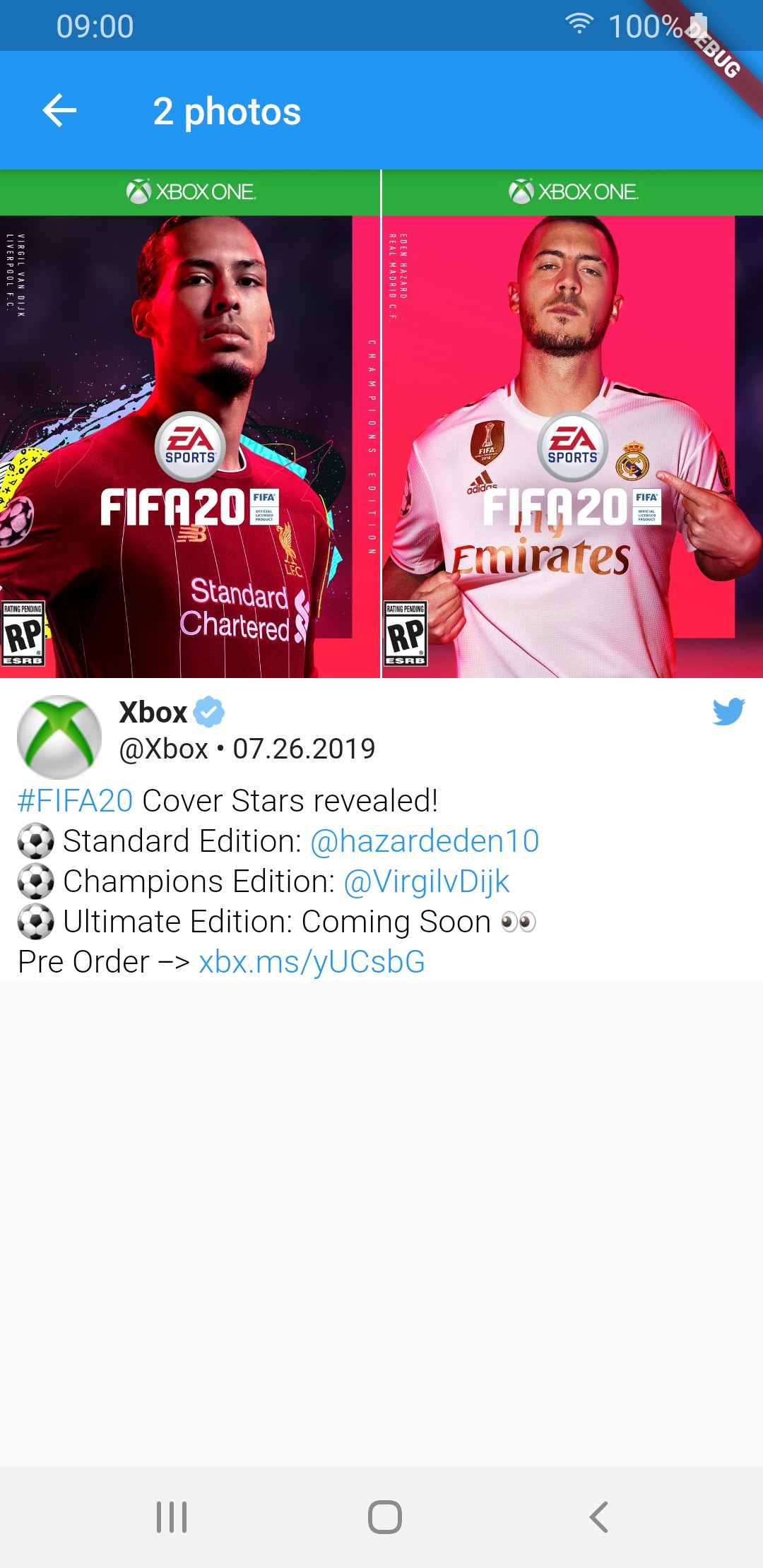 |
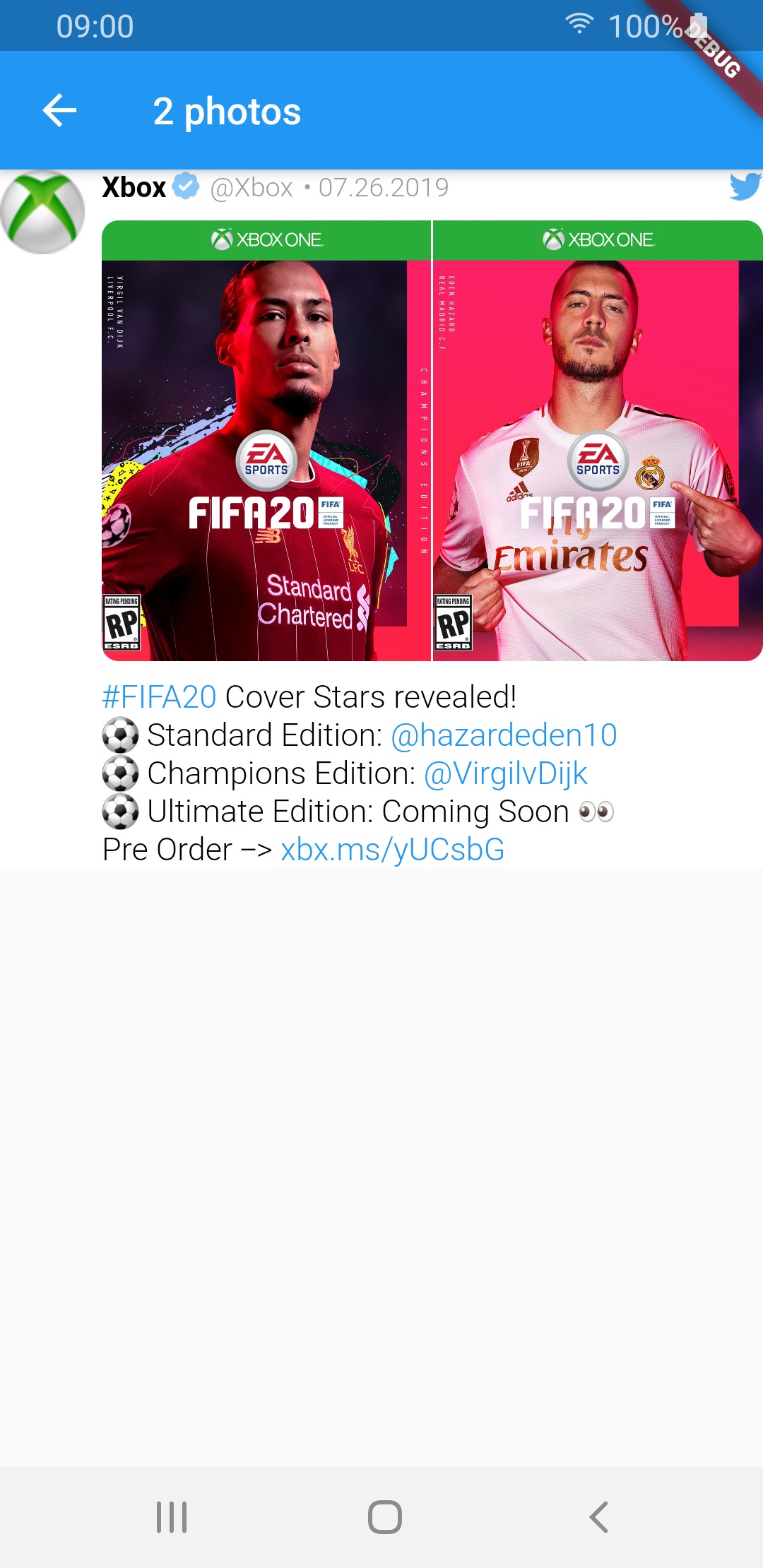 |
 |
| 3 photos | 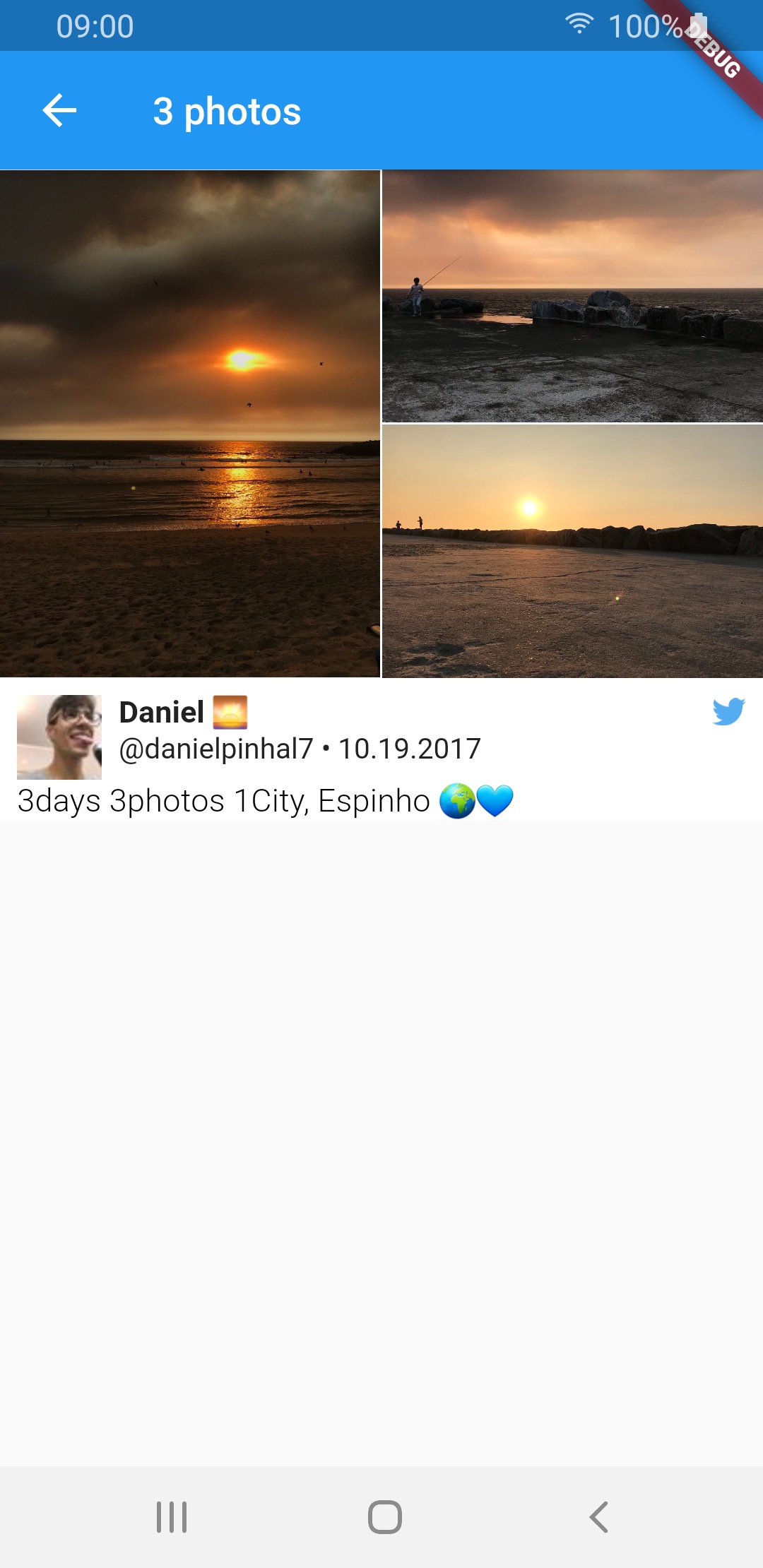 |
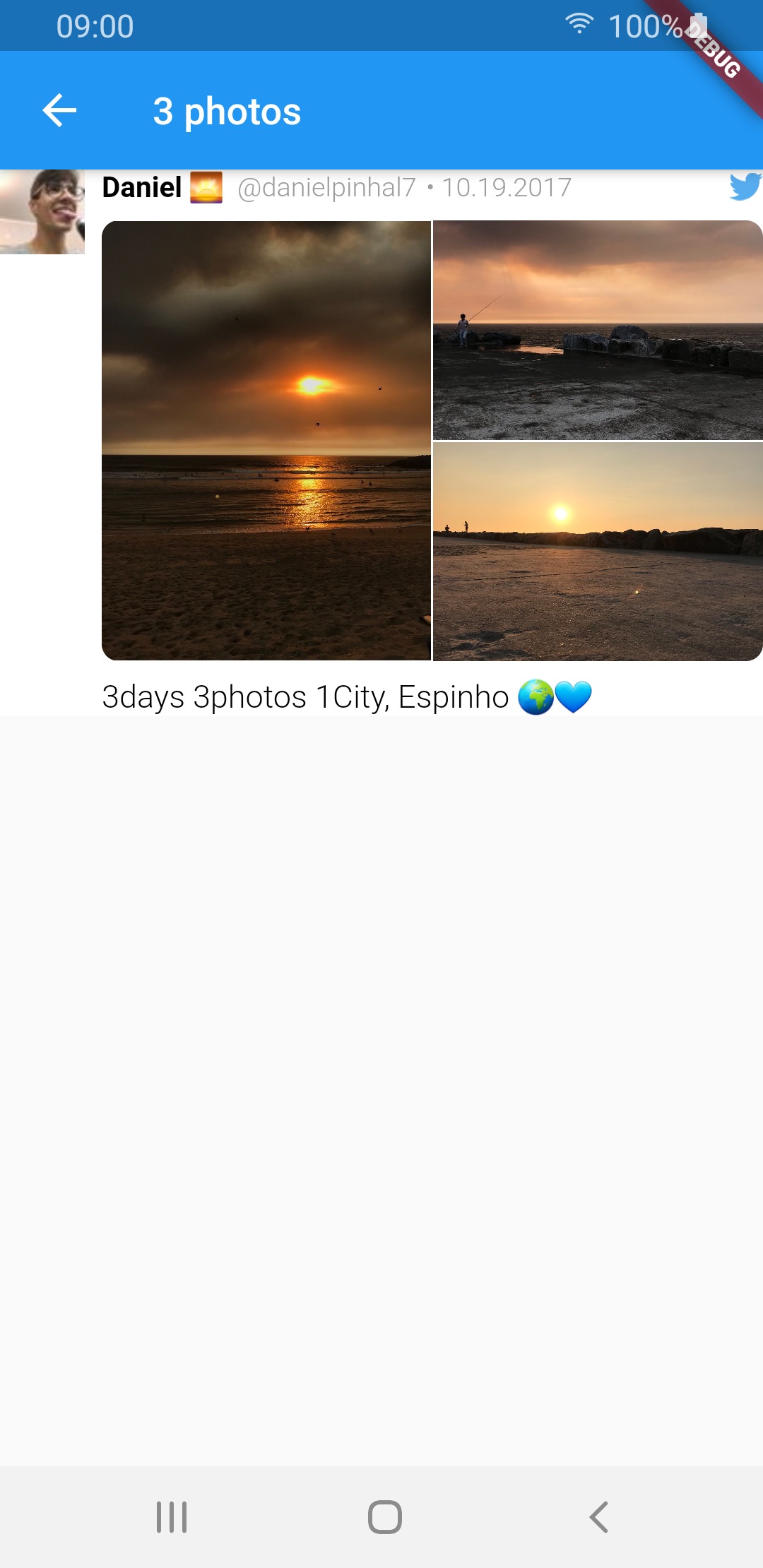 |
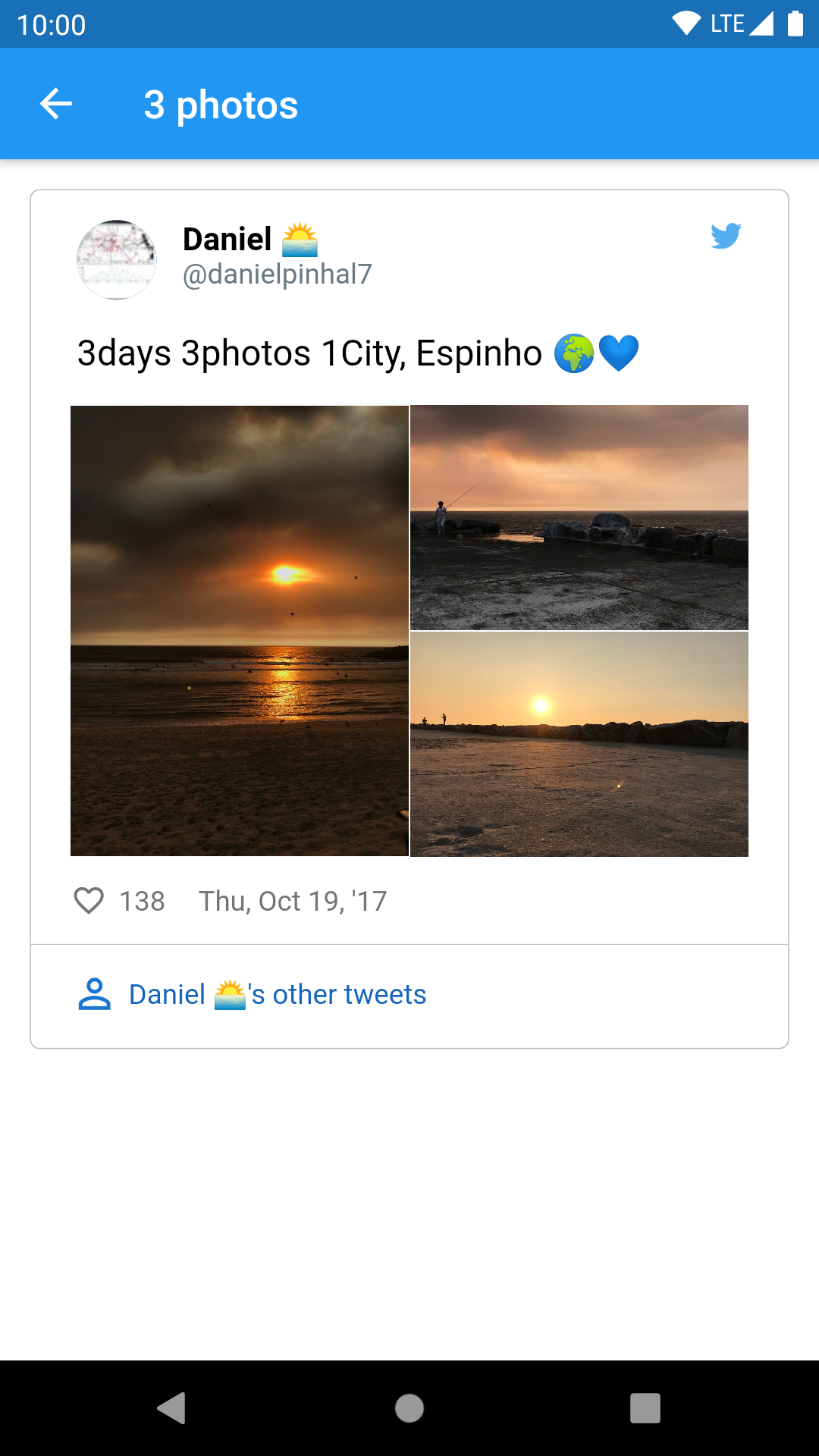 |
| 4 photos | 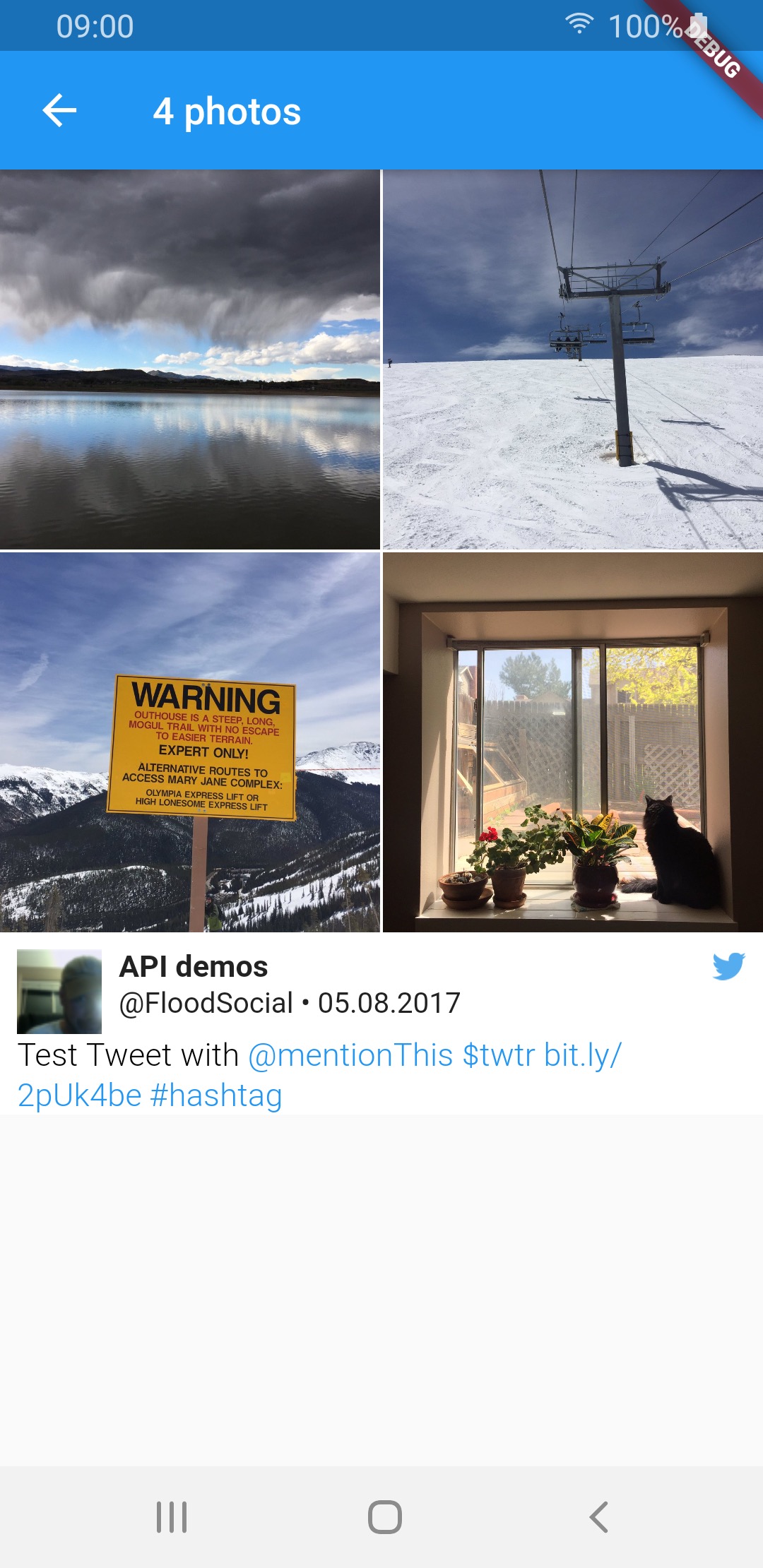 |
 |
 |
| video | 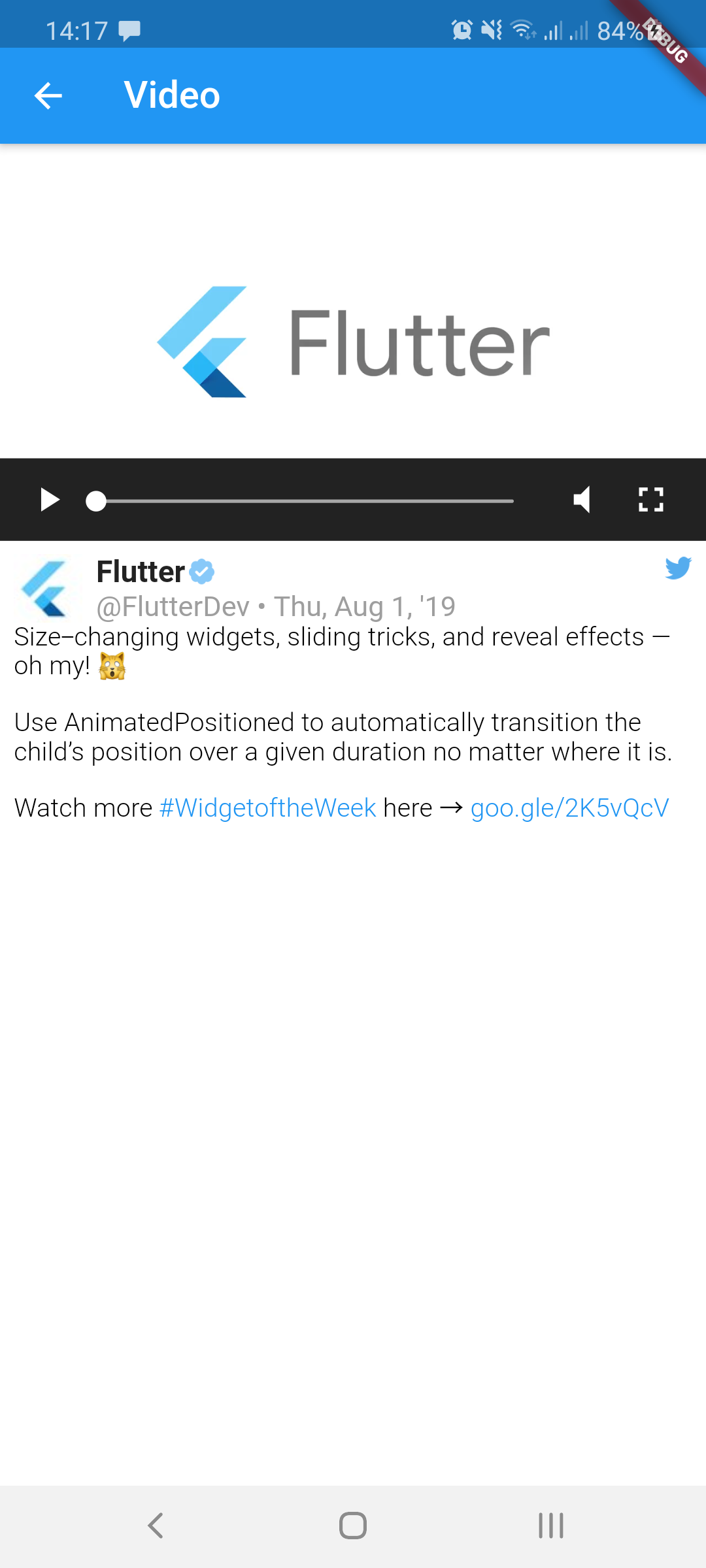 |
 |
 |
| GIF | 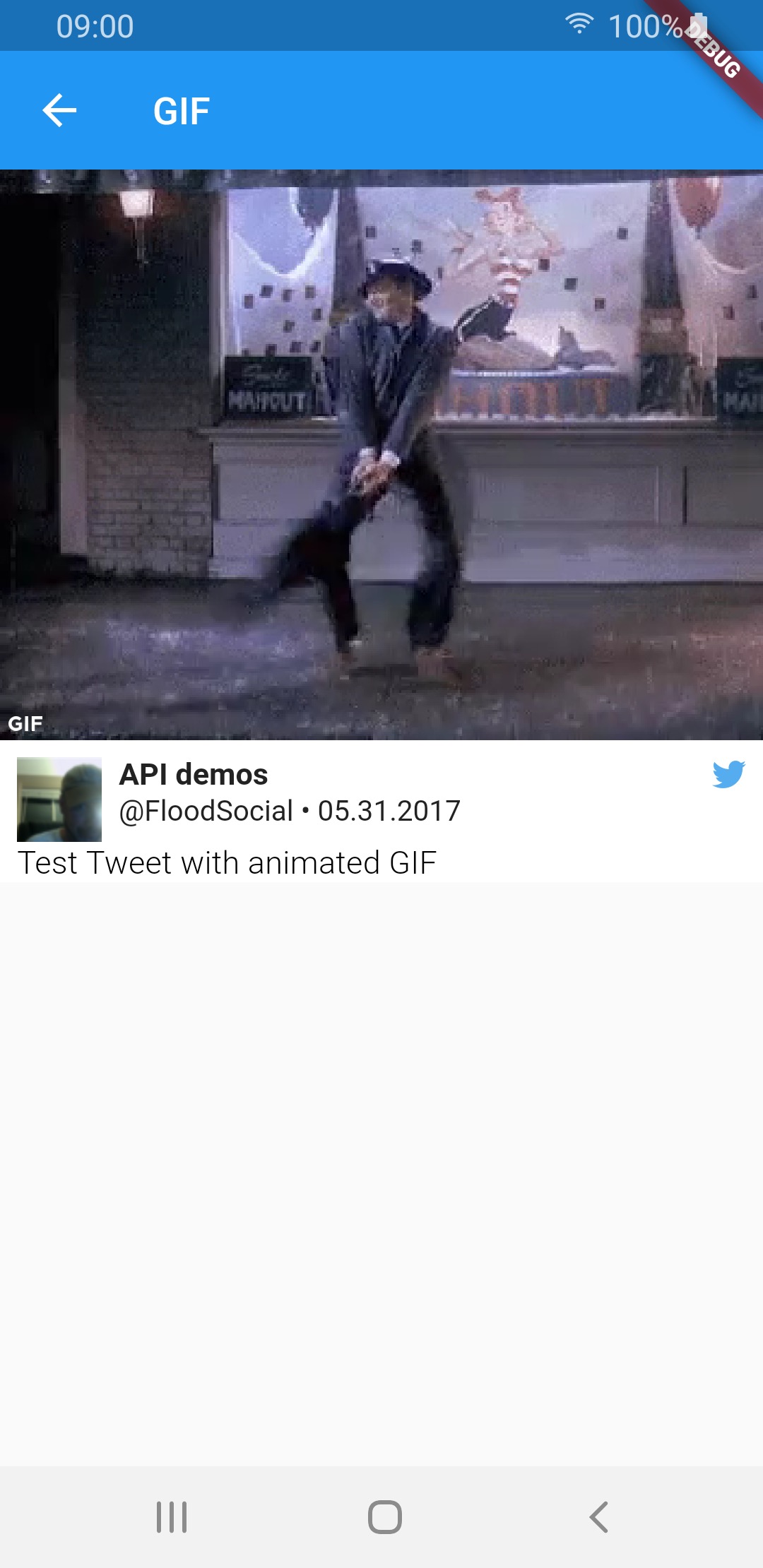 |
 |
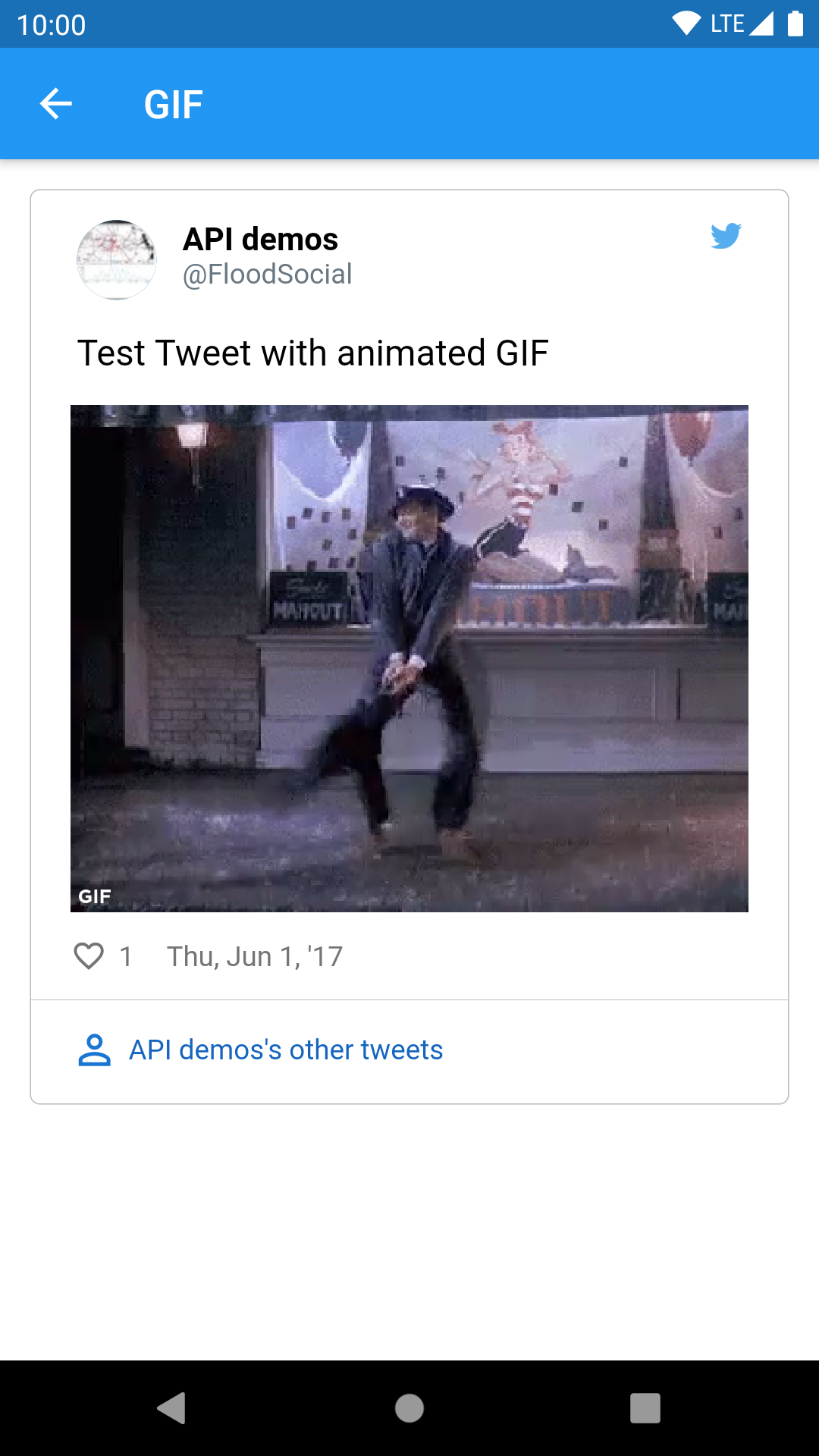 |
| Media type | TweetView | CompactTweetView | EmbeddedTweetView |
|---|---|---|---|
| 1 photo | 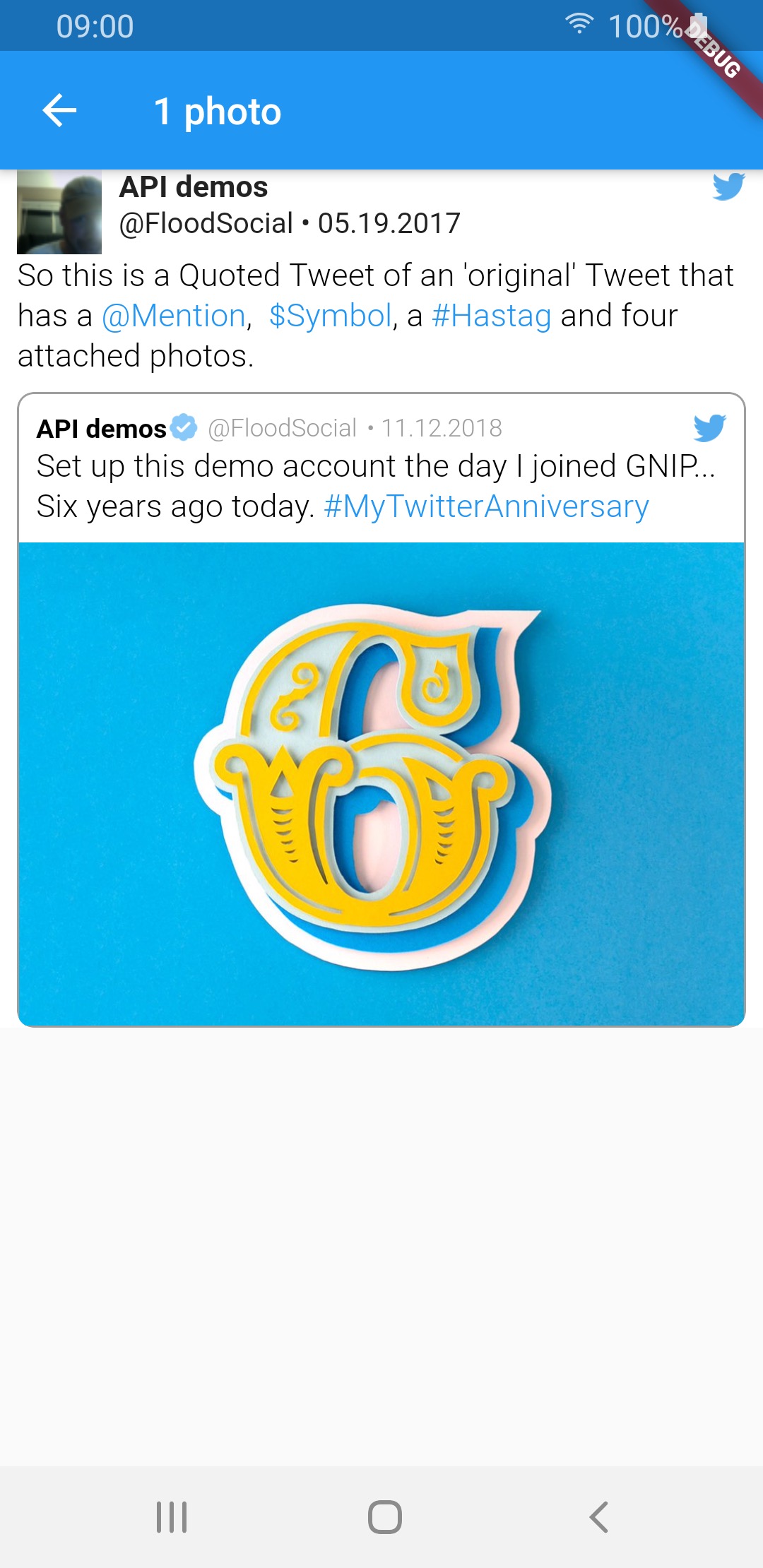 |
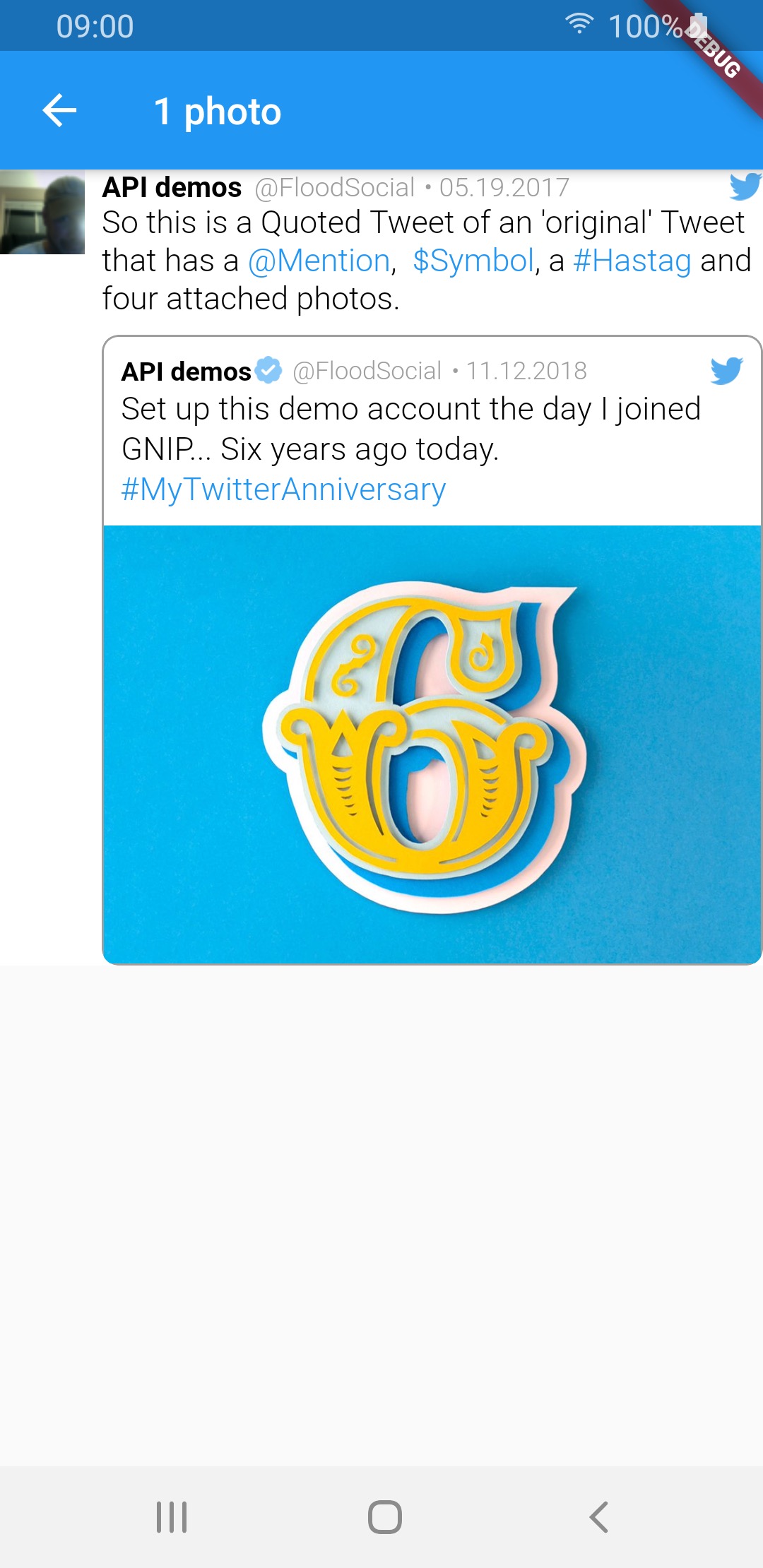 |
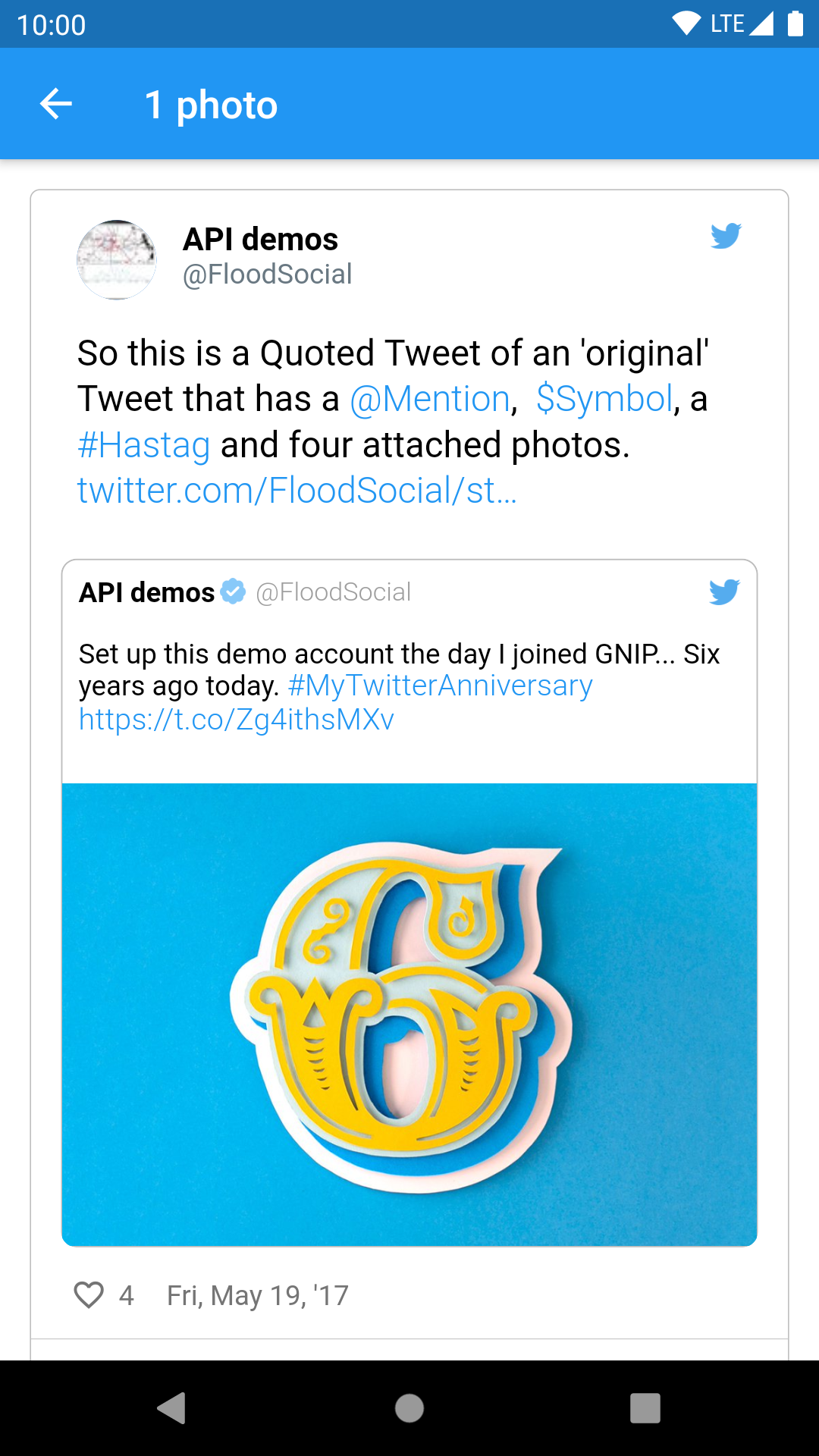 |
| 2 photos | 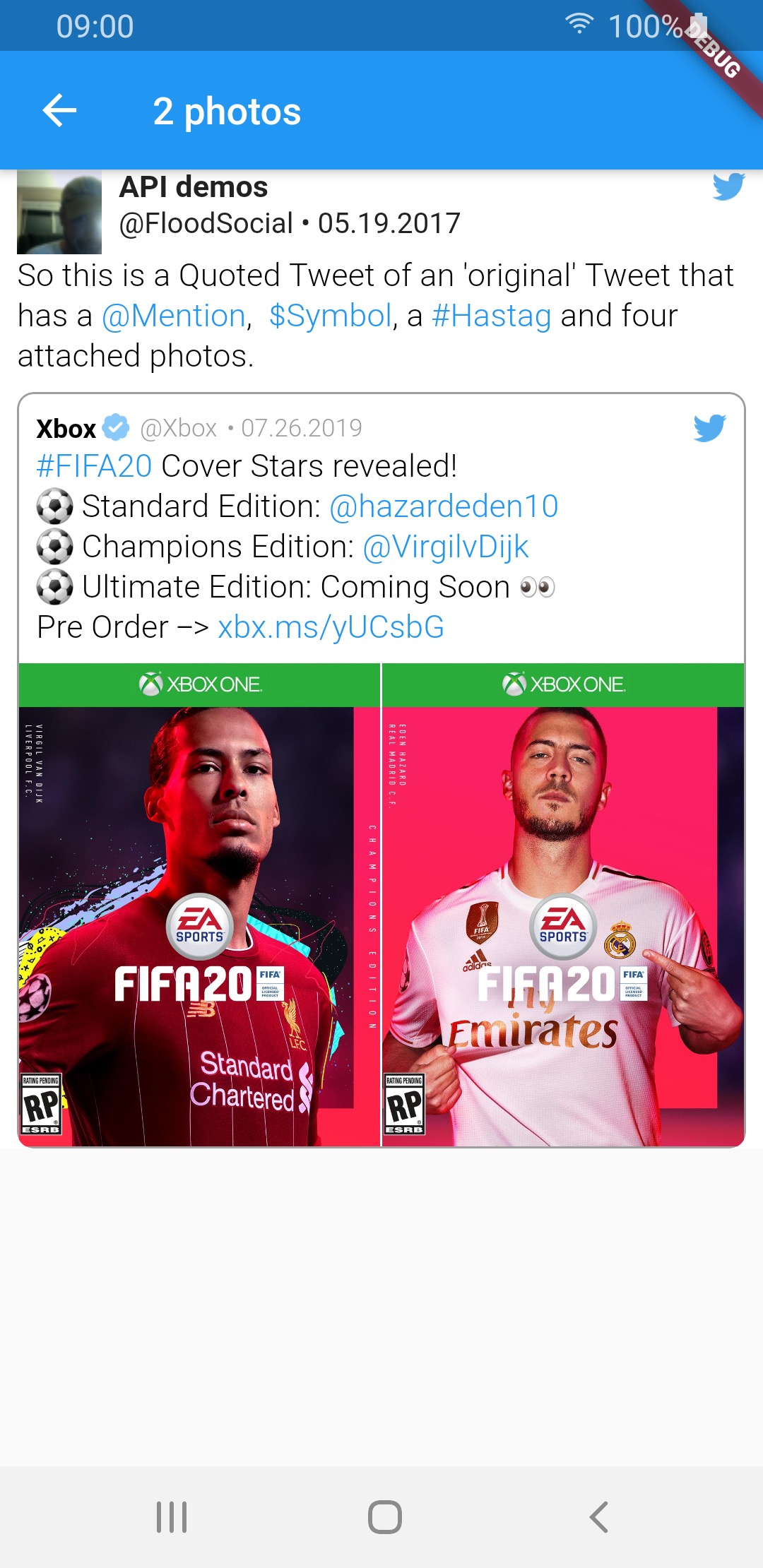 |
 |
 |
| 3 photos | 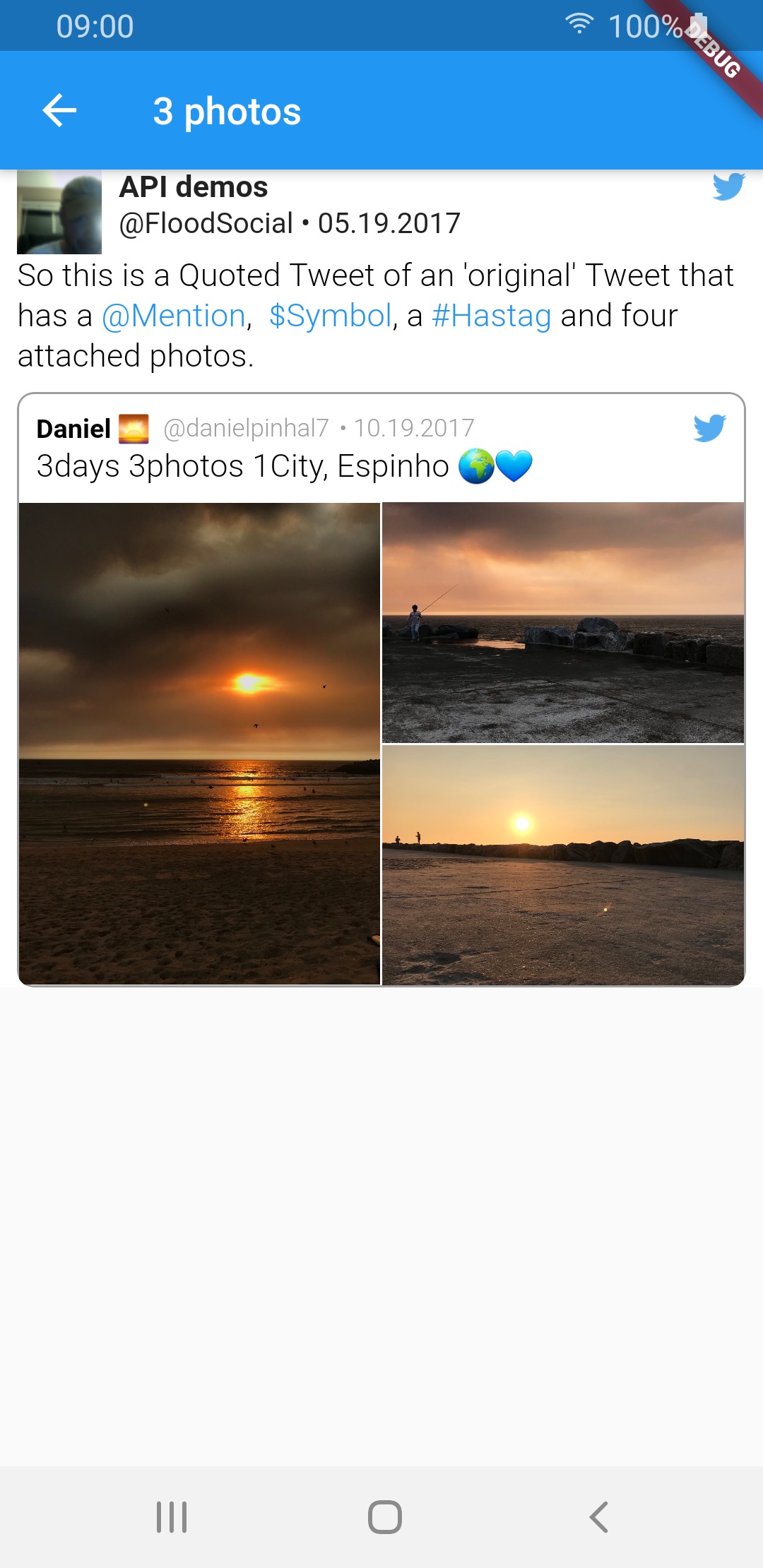 |
 |
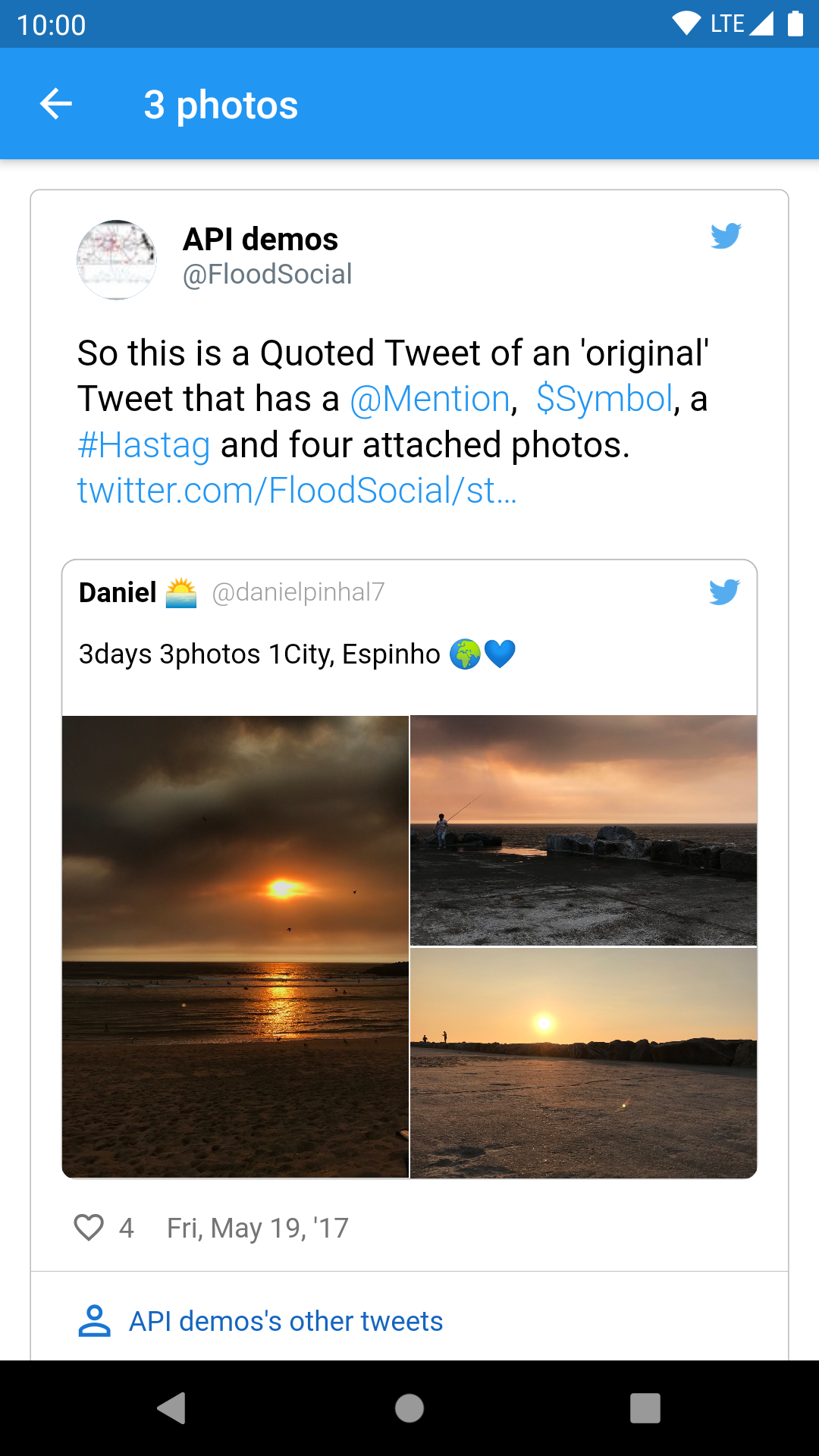 |
| 4 photos | 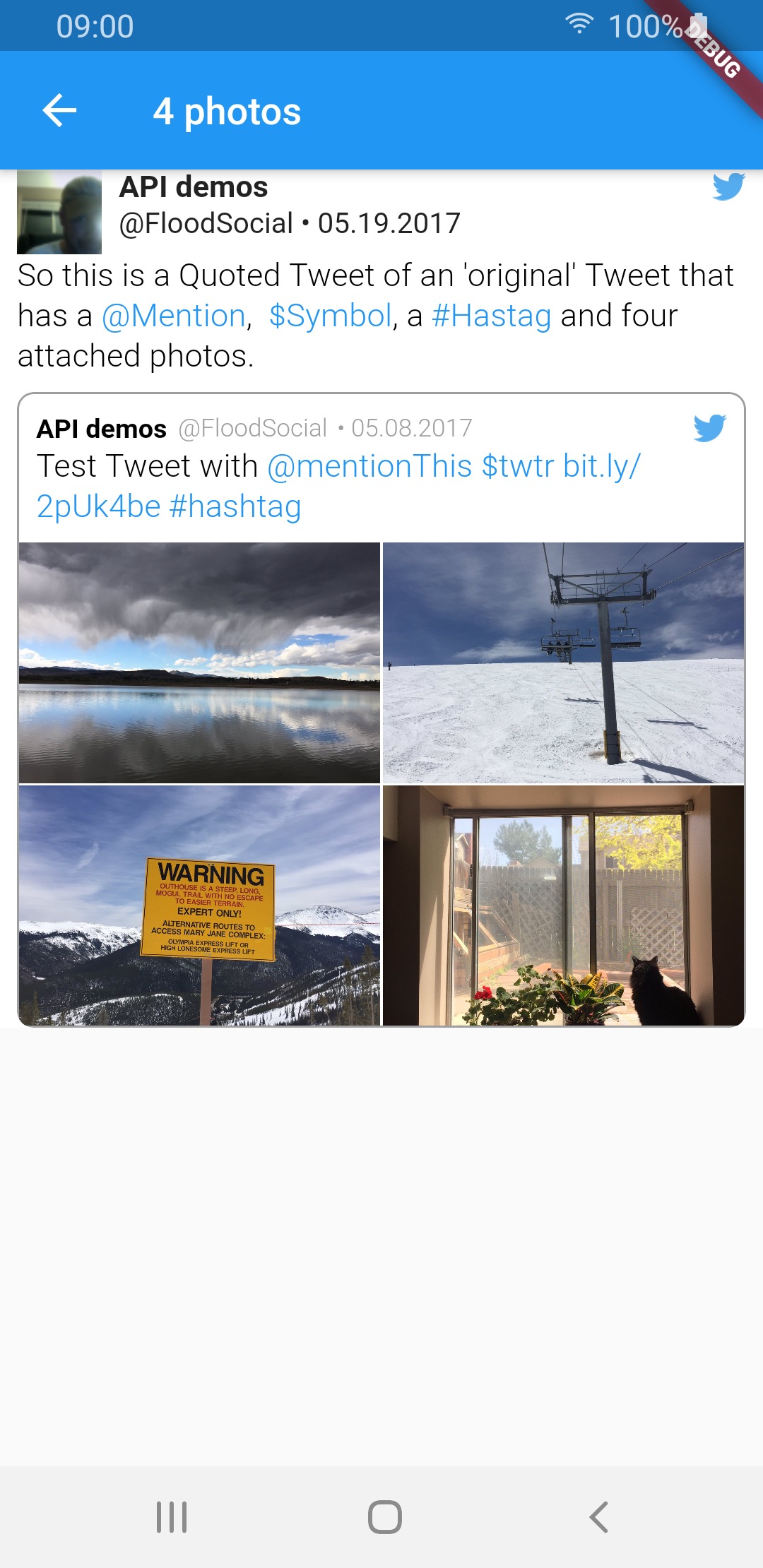 |
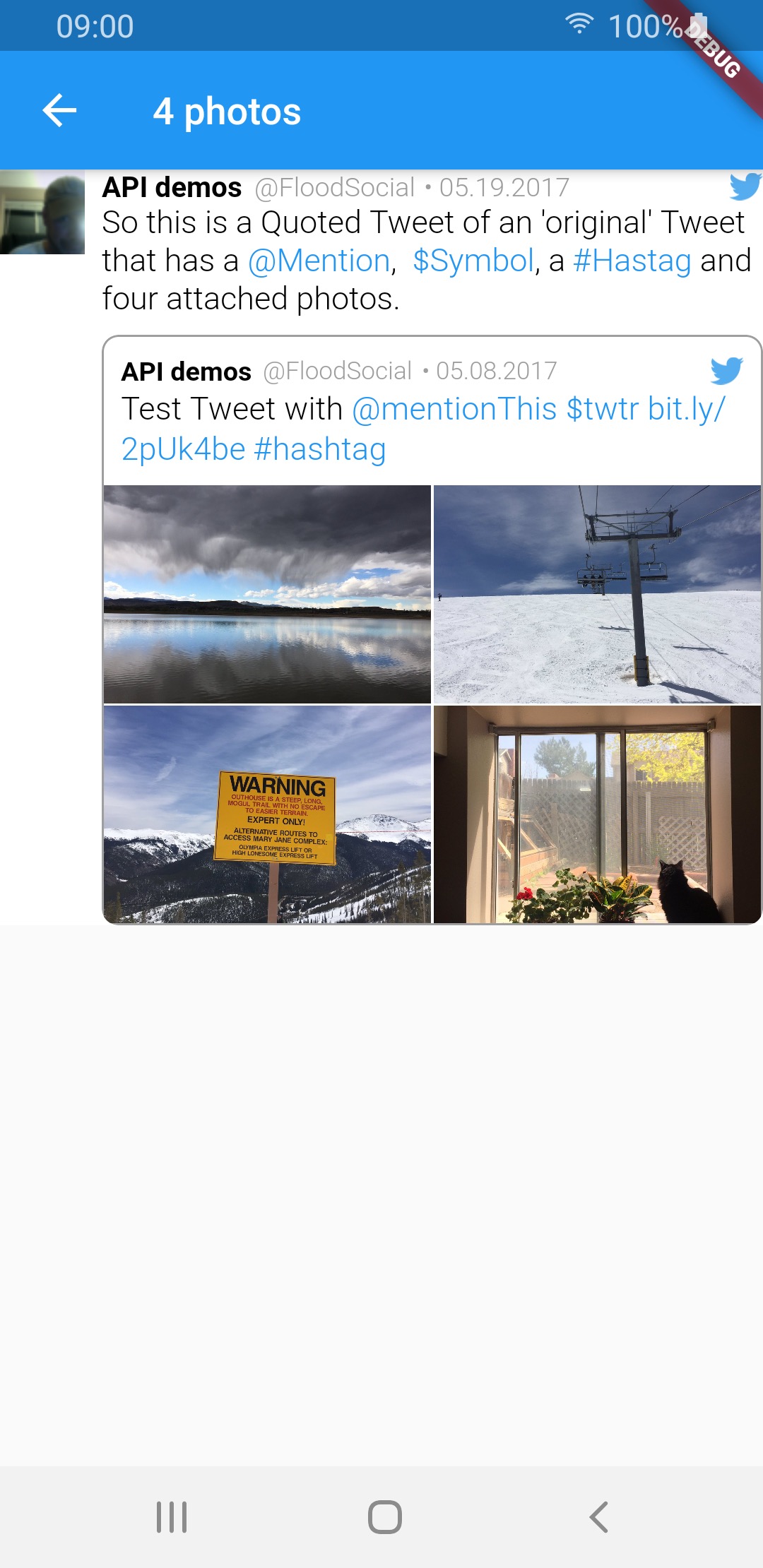 |
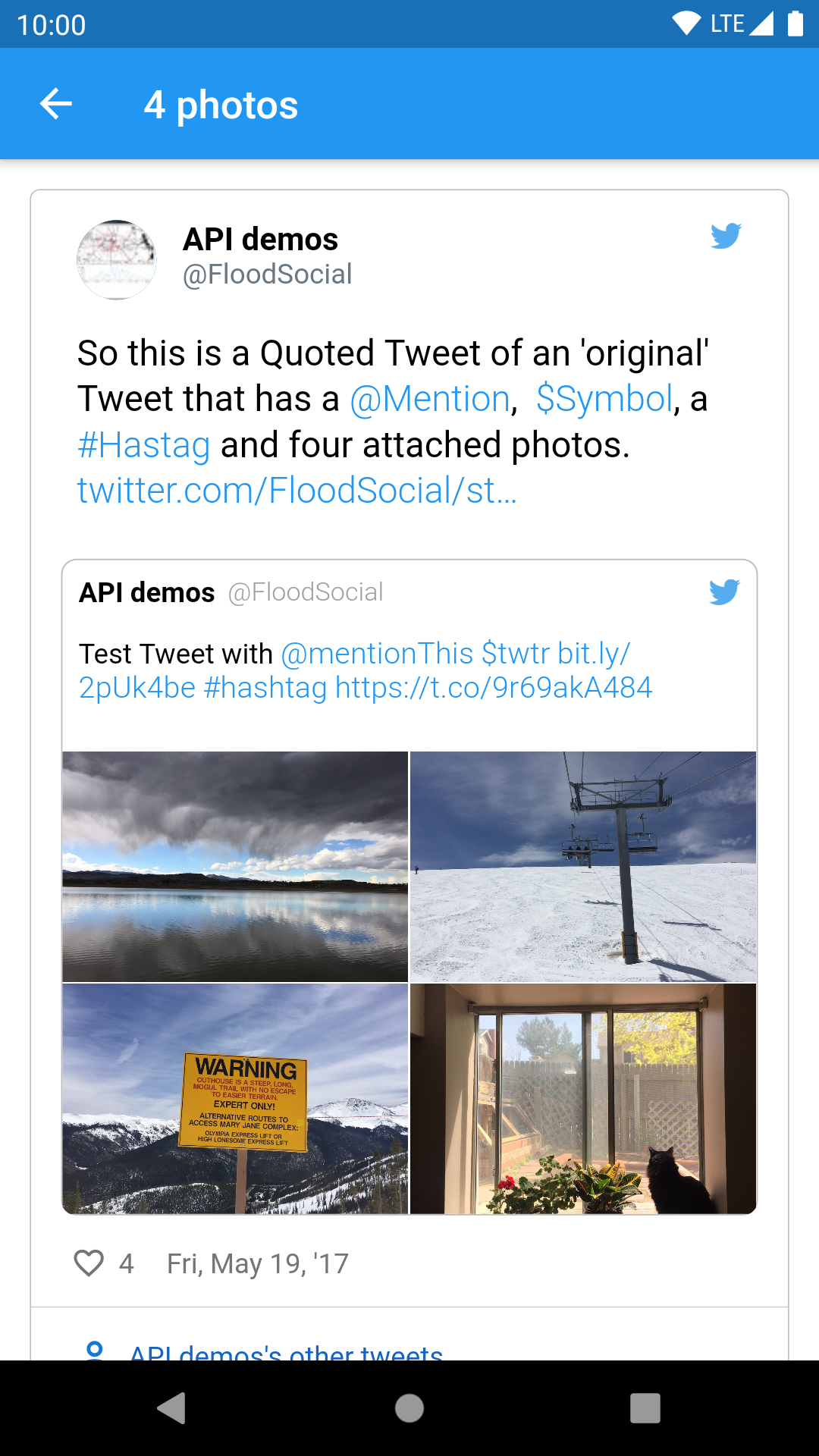 |
| video | 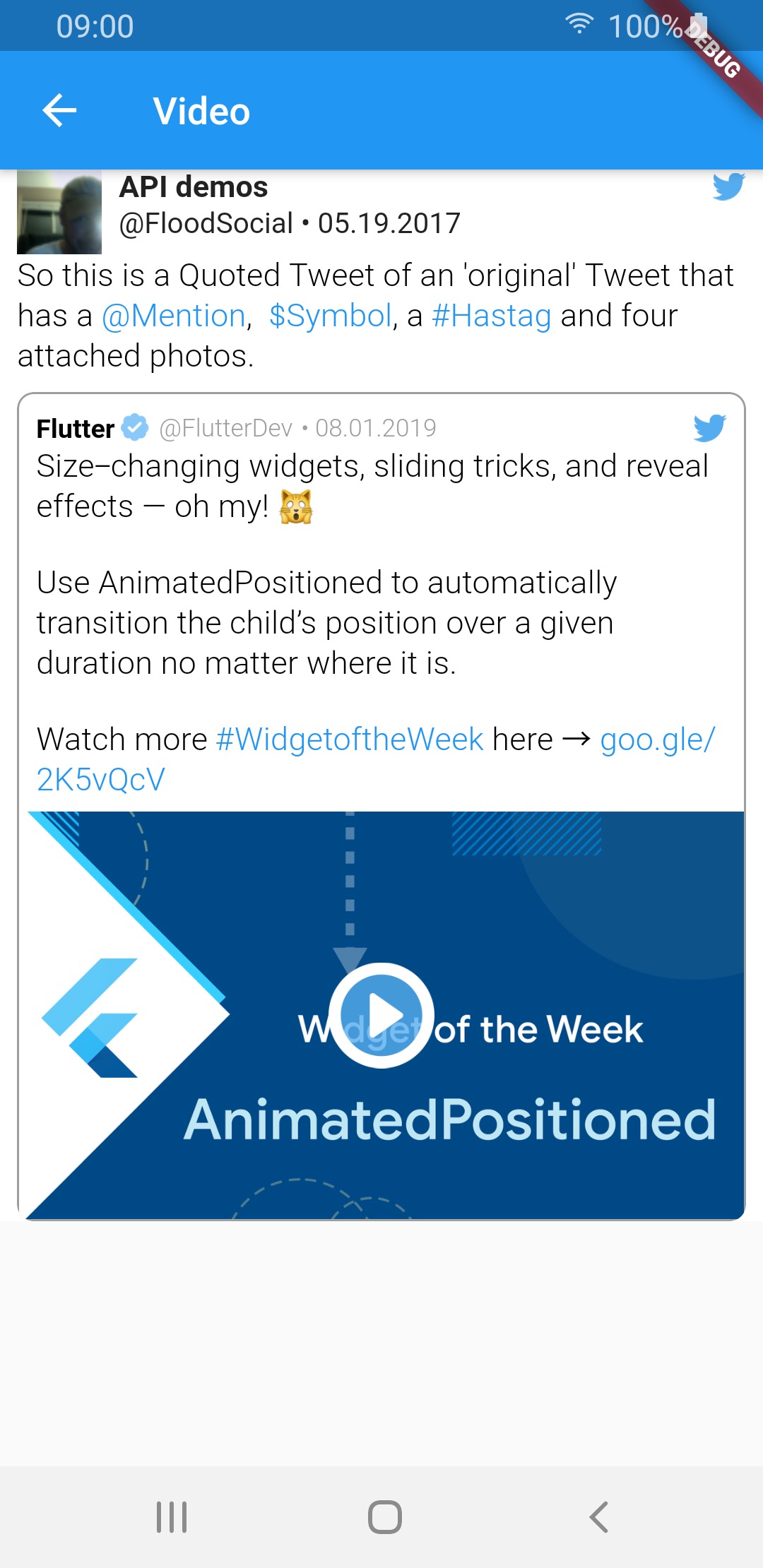 |
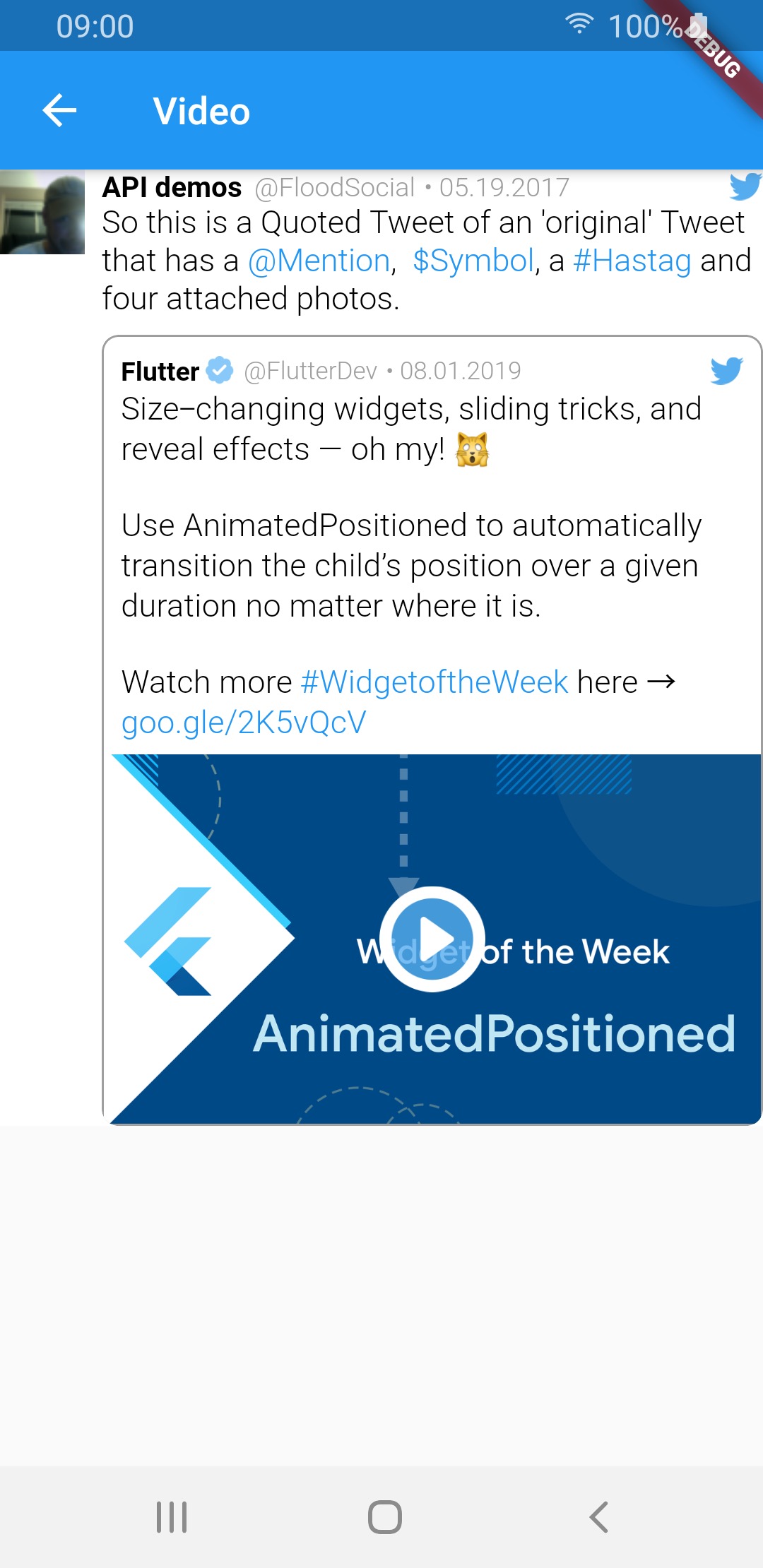 |
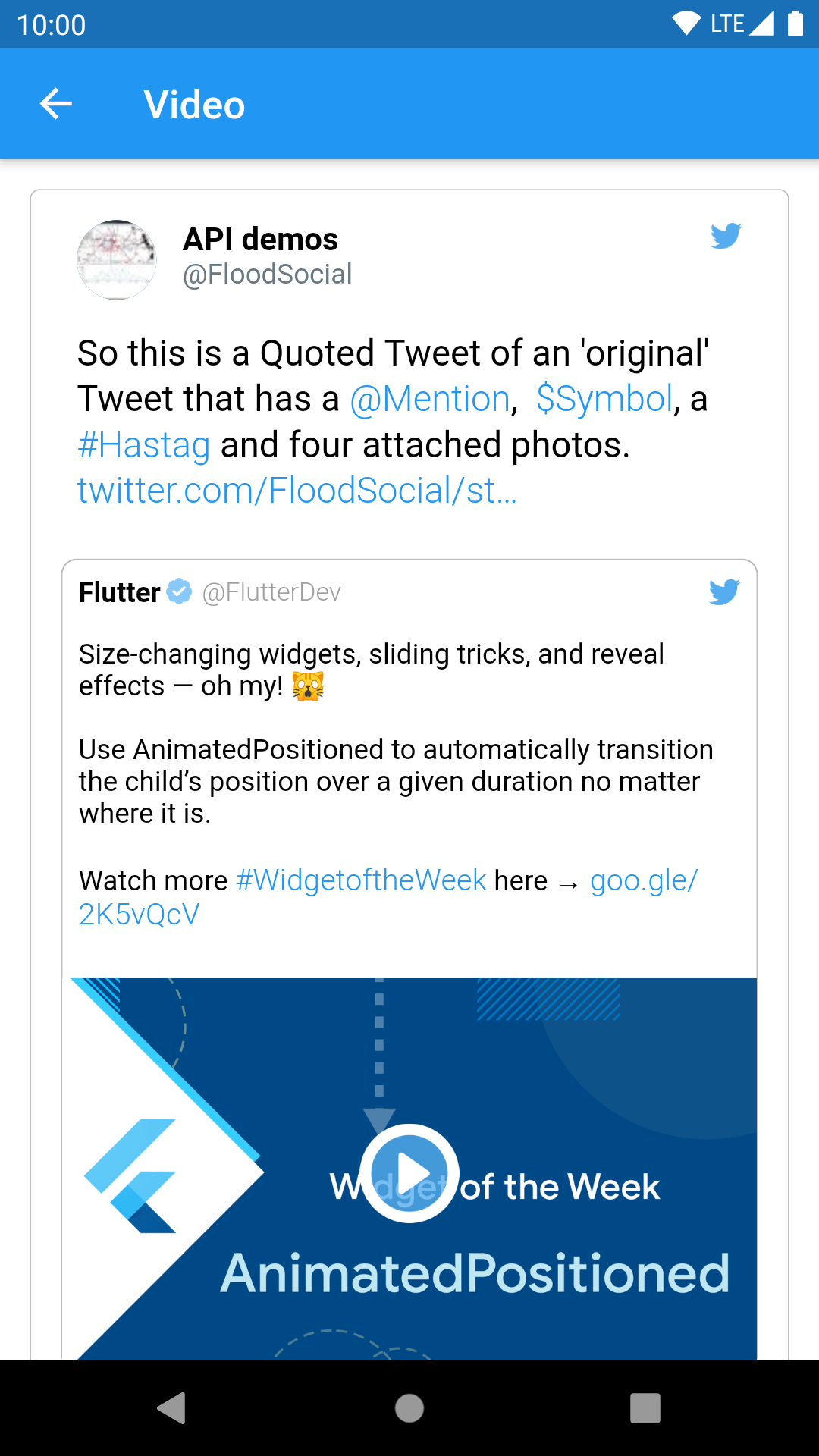 |
| GIF | 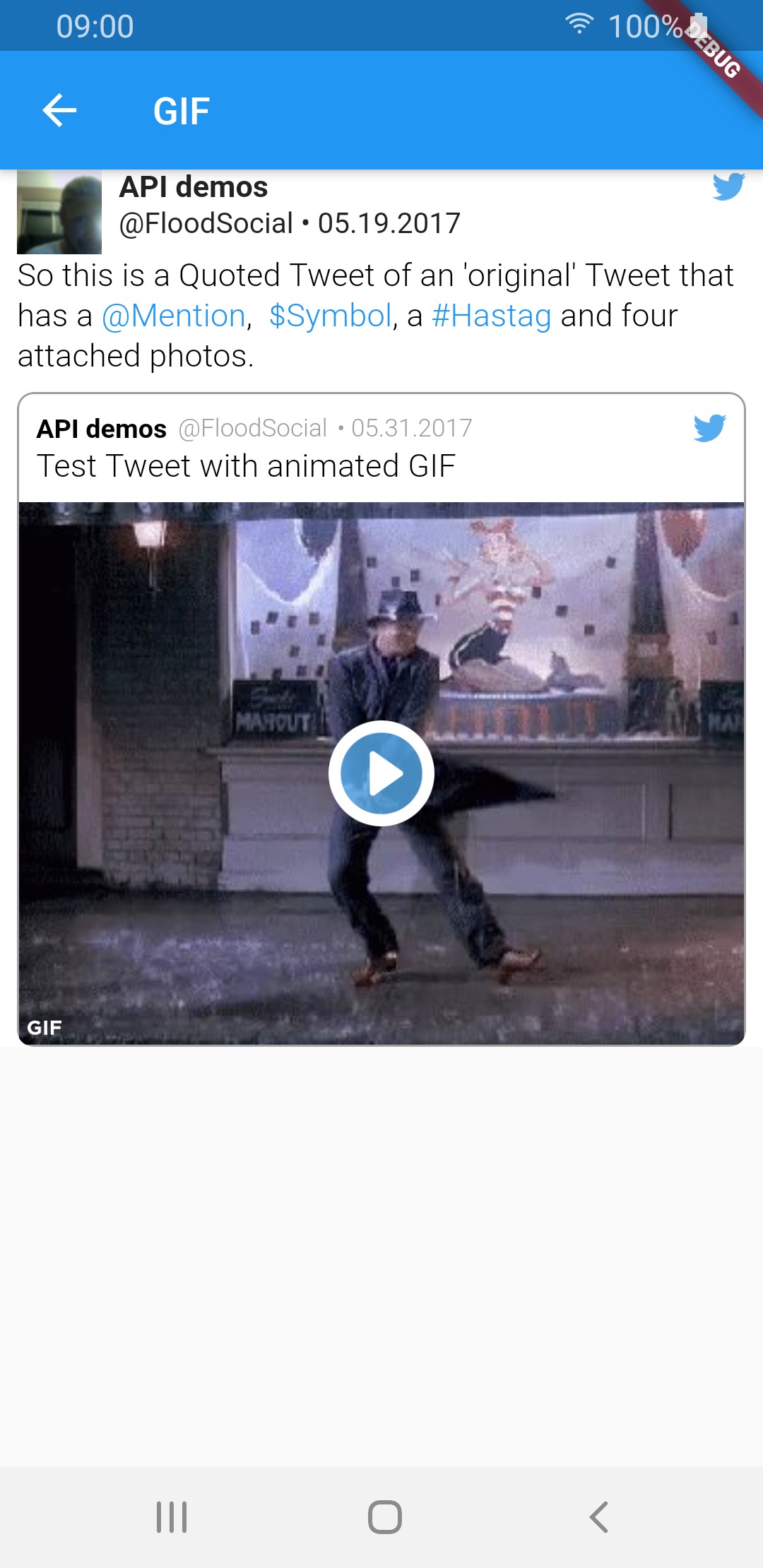 |
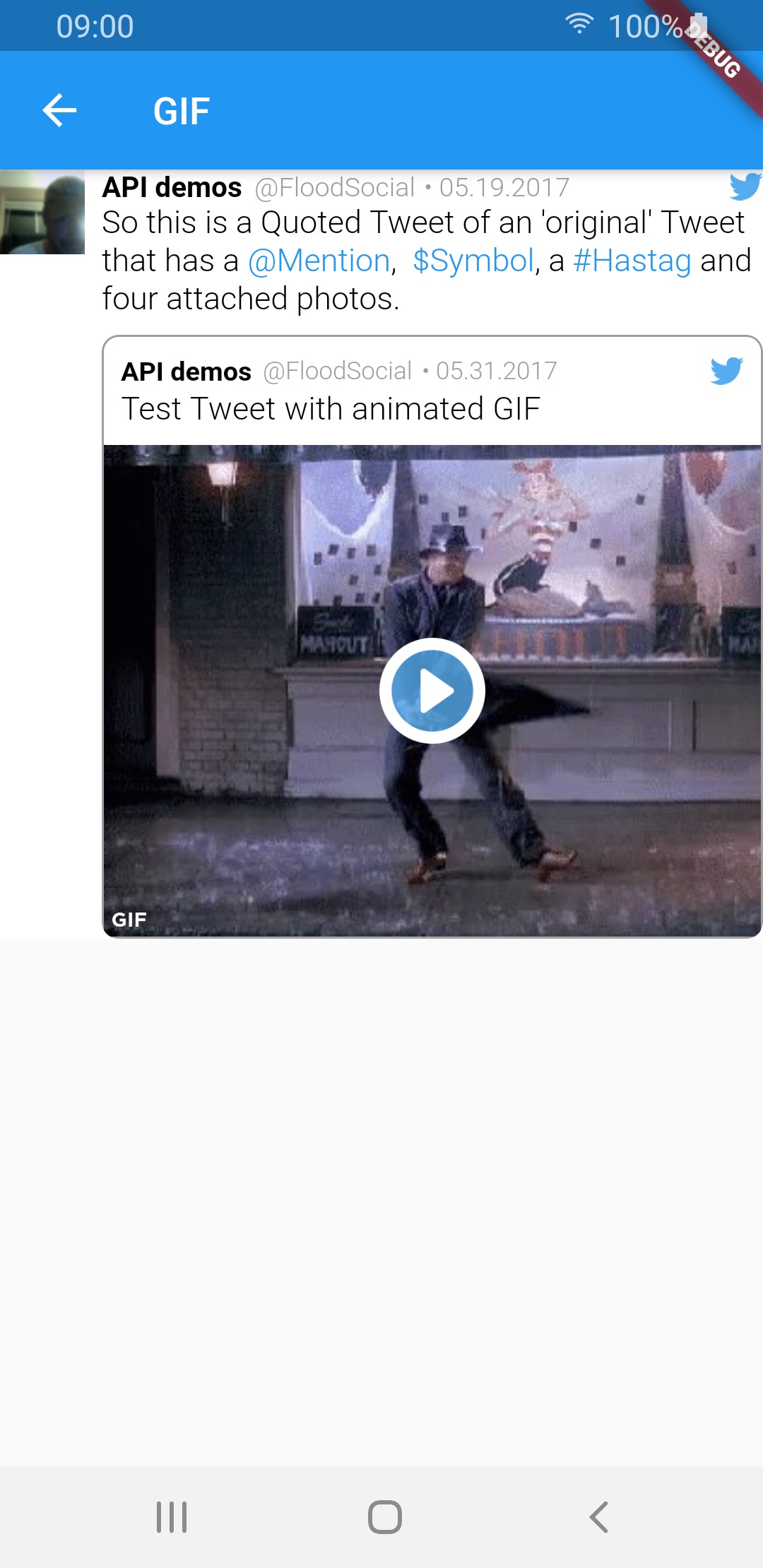 |
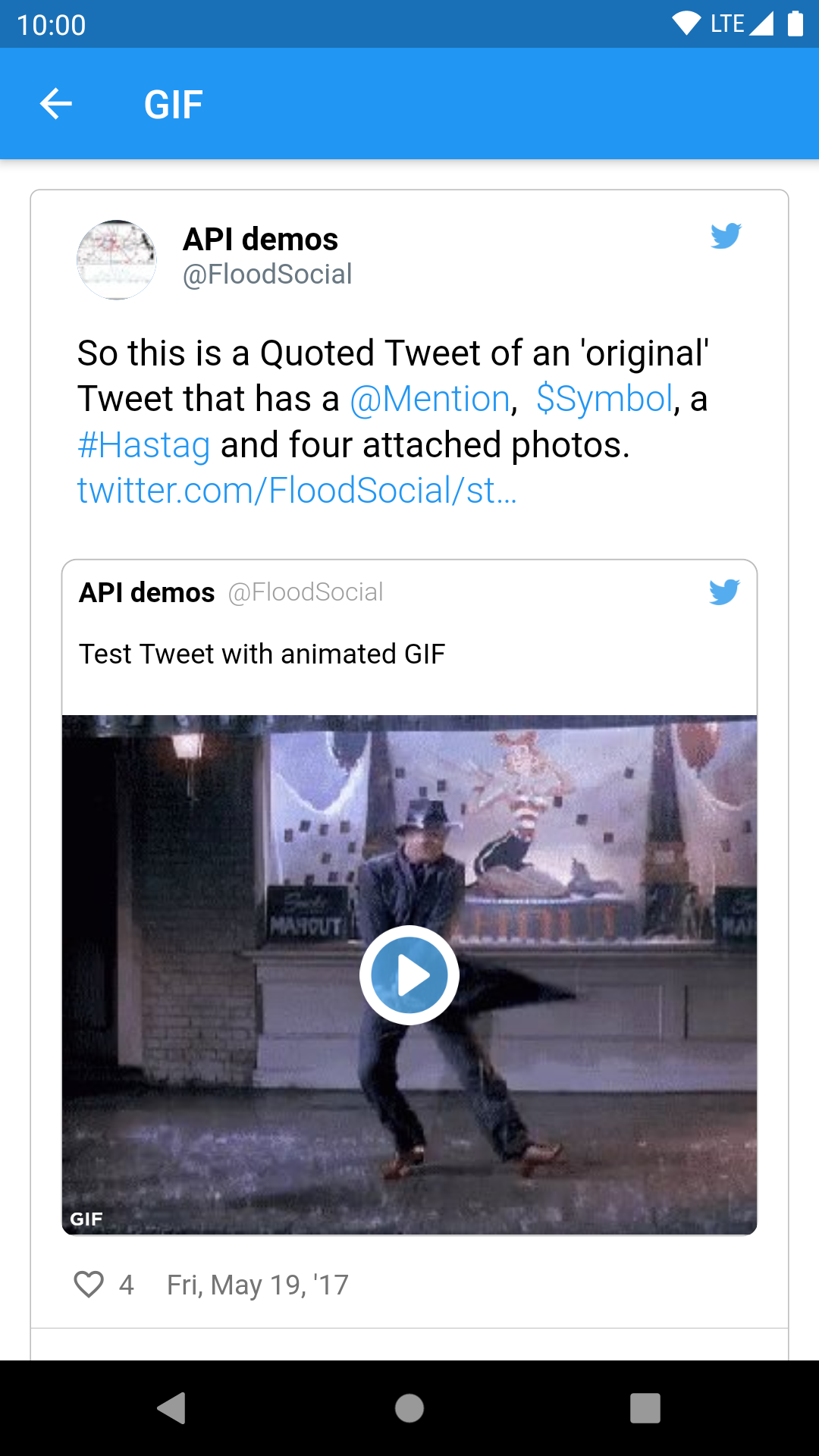 |
Sample tweets use real-life tweet ids but for example purposes, their content was changed.