Online Tool for Power Network Visualization
Introduction
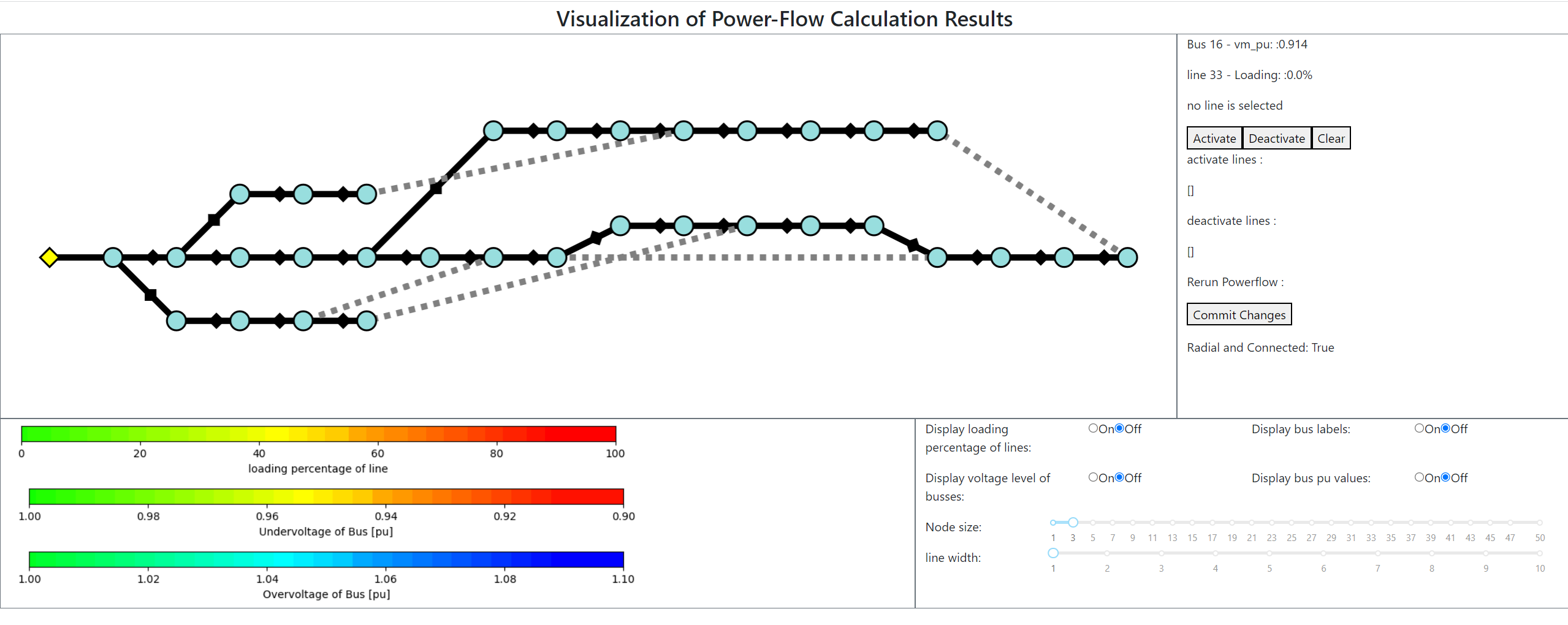
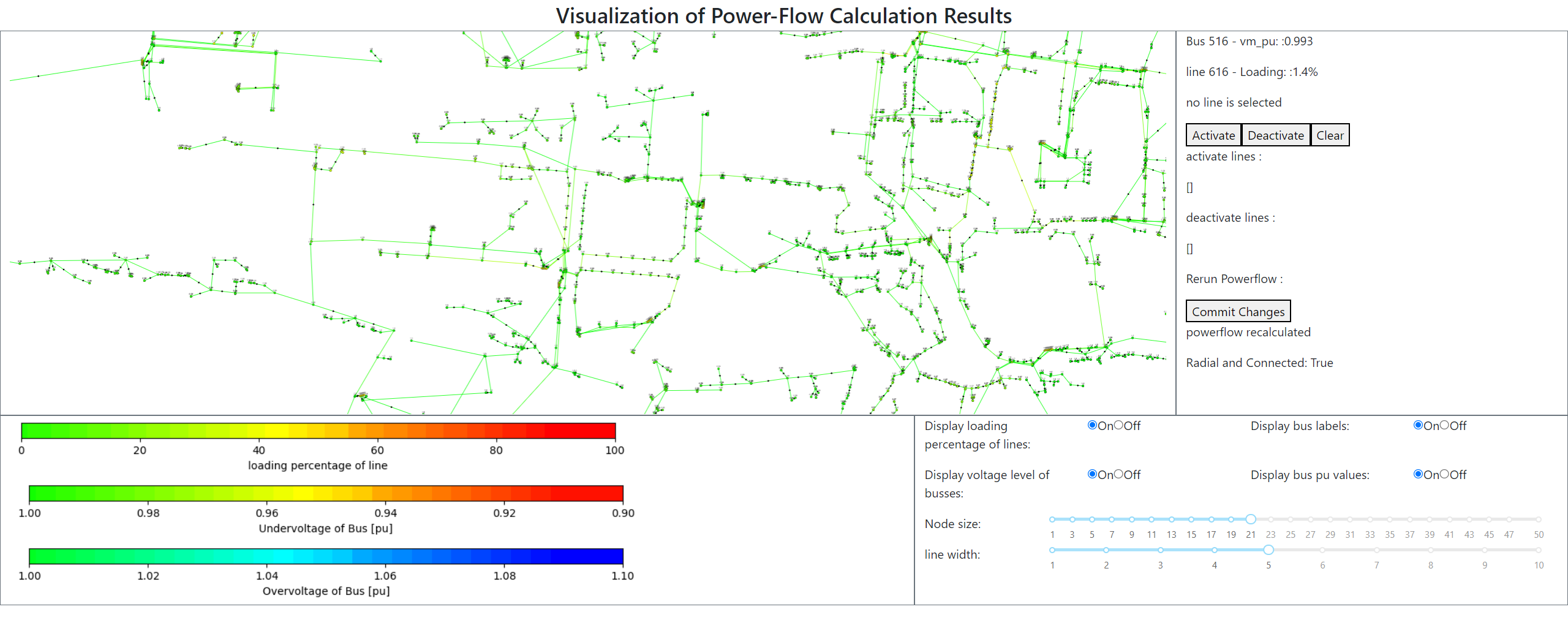
The goal of this application is to have a interactive visualization of power-flow calculation results. The tool is aimed towards low voltage/Distribution grids. It allows to easily open and close switches on these grids, and visualize the changes in the results of the power-flow calculations. The tool is based on the ”Dash” library. This open-source library is written on top of Plotly and allows to create interactive and web-based dashboards for visualizing data. To display the networks (within Dash) cytoscape is used, which is a part of Plotly used for plotting any kind of network. Dash applications contain basic components, like sliders, buttons
Basics of Dash:
Dash operates via callbacks. Callbacks consist of Inputs, Outputs and a Fuction, as seen in the code. Component-id defines which components are used in the callback. Component-property defines which property will be used/changed. The input property is used the input of the callback-function, the output property is changed to what this function returns. Callbacks can only change entire component properties. Only changing values of parameters used within these components will not update the components on the web-application. A components can only act as output of one callback. This can lead to extensive callback-functions if more than one (interactive) functionality is required of a component (like the for the network plot)
Files:
dash-visualizatio-tool.py is the main file, from which the application runs. The other files contain auxilary functions that are used in the main file.
Hardcoded: When switching between networks, you have to manually edit the code. Only one line of code has to be changed for this (highlighted in code). V_cut_off is also hardcoded at 0.95 and 1.05 pu
a feature can be added for both of these so they can be changed via the webpage, but I didnt have enough time to implement this
Versions I was using during development: Python 3.10.6 64-bit Packages: dash 2.6.0 (if using anacoda, use packages on anaconda.org, because 'conda install dash' will install the wrong version) dash_bootstap_components 1.2.1 dash_cytoscape 0.2.0 pandas 1.4.2 pandapower 2.10.1 numpy 1.22.4 networkx 2.8.5 (json 2.0.9) (plotly 5.9.0)
Images: