Home
Pixel Perfect is a Firefox extension that allows web developers and designers to easily overlay a web composition with semi-transparent layers (images). These layers can be consequently used for per pixel comparison between the page and a layer.
- The minimum required browser version is Firefox 36
- Firebug doesn't have to be installed (but Pixel Perfect integrates with Firebug 3 if it's available)
Install latest Pixel Perfect 2.0
Get involved if you experience an issue or need new feature.
- Support for multiple layers within a page
- Persistence of the layer list
- Drag and drop of layers within a page
- Support for remote devices such as mobile phones
- Customize layer's opacity
- Locking layers
You should see a new Pixel Perfect button at the top-right corner of your browser window after installation.
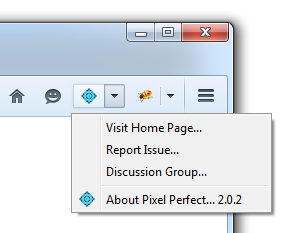
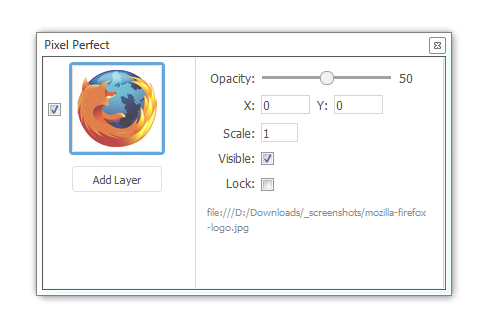
And here is the final Pixel Perfect UI that you can open by clicking on the button above.
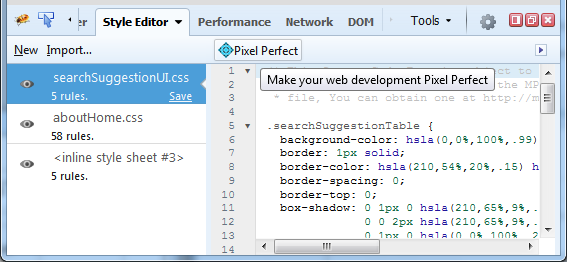
Pixel Perfect is also nicely integrated with Firebug.next, so if you have Firebug installed you'll also see a Pixel Perfect button in the Style Editor panel. Note that you can download the latest Firebug.next version from the releases page
Are you missing a feature? Please create a report
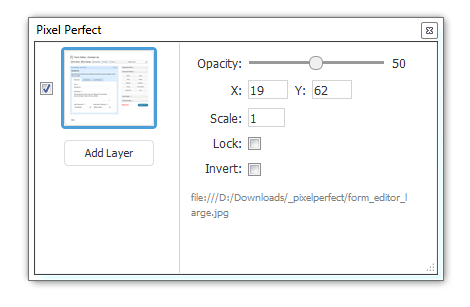
Let's see a few more screenshots showing why Pixel Perfect is useful when designing a page. The screenshot below shows Pixel Perfect panel with one layer created. The layer shows a form mockup designed in a graphical program. This is how the real HTML form should look like.
An the next screenshot shows how the form template is overlaying the page.
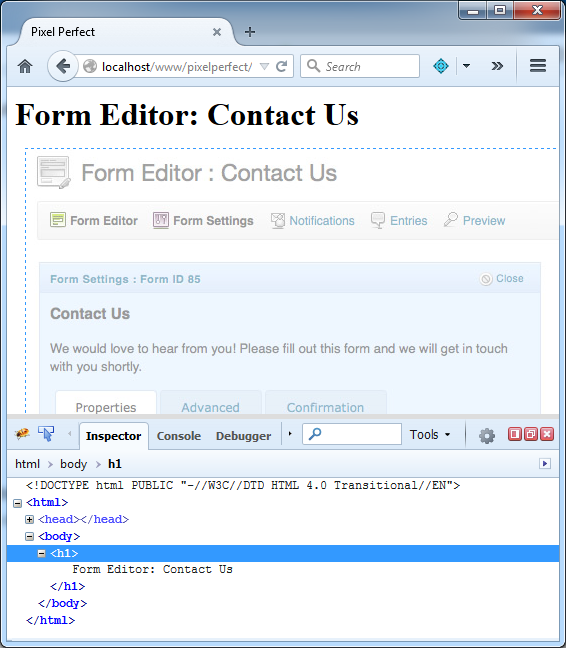
See, only the form heading is actually rendered by the page and it doesn't quite match. But yes, this is now on shoulders of a developer to make sure that the HTML page looks exactly like the provided template. The good news is that there are handy in-browser developer tools (see the bottom of the screenshot) that help tweaking the HTML/CSS to pixel perfection.